Samsung Galaxy Tab S12 Plus vs. S12 Ultra: A Detailed Breakdown
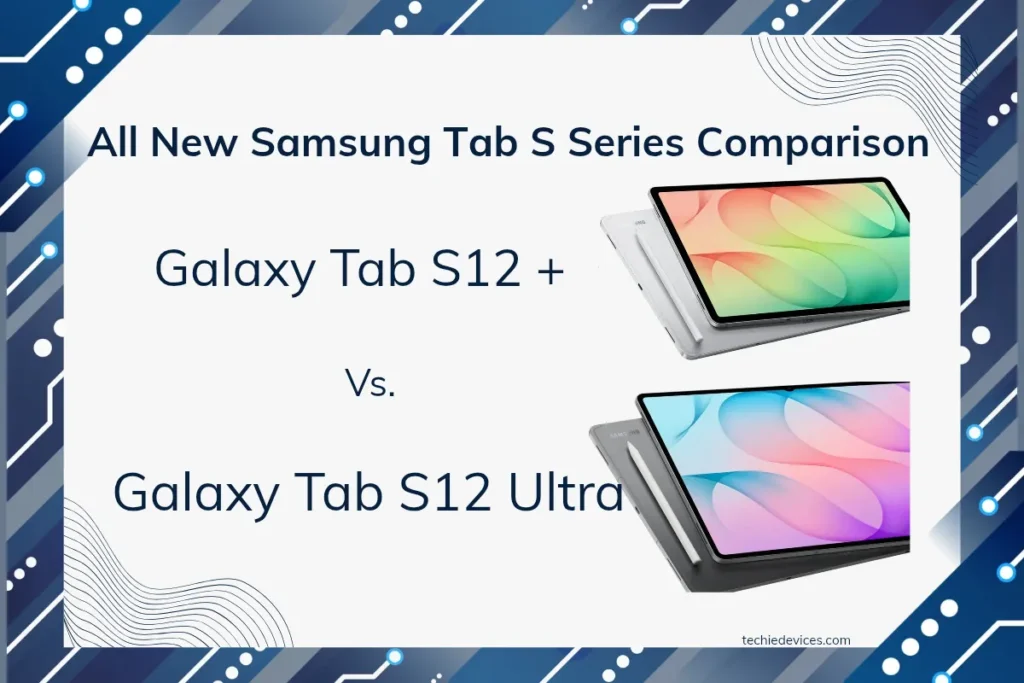
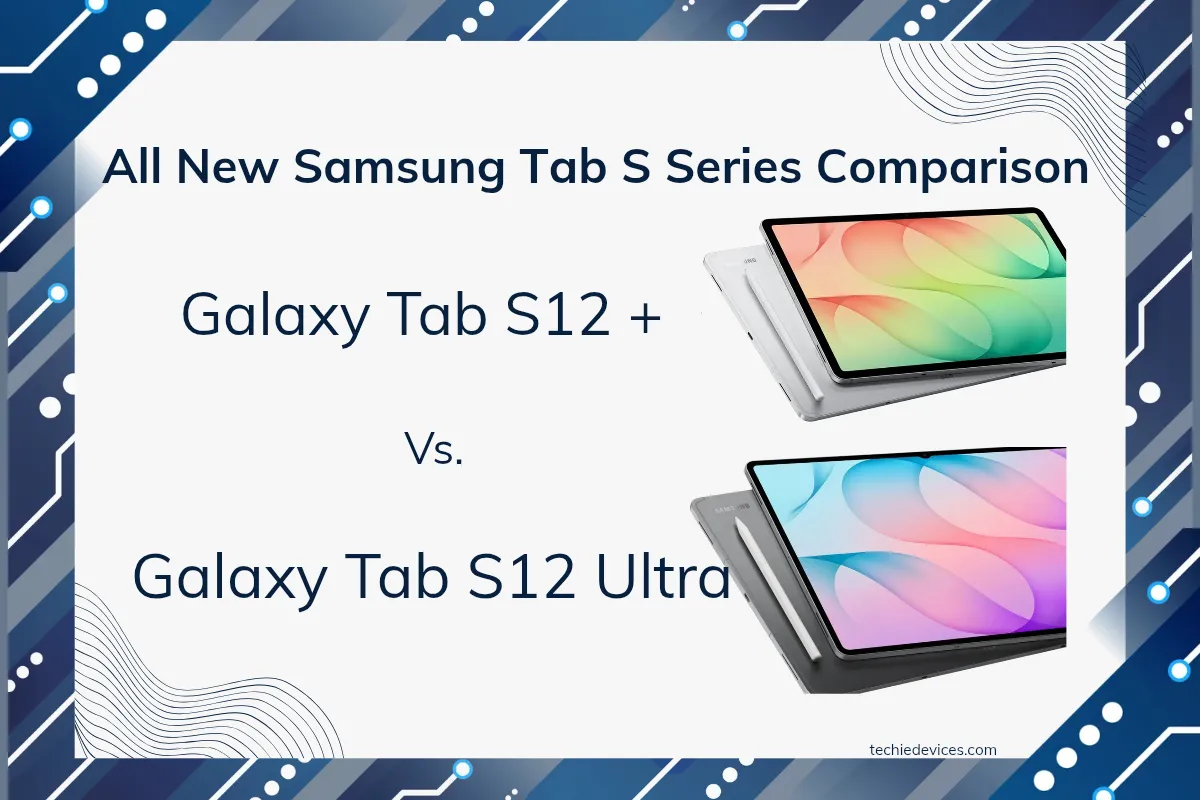
Samsung has officially introduced its flagship tablet lineup: the Galaxy Tab S12 Plus and Galaxy Tab S12 Ultra. Both premium devices offer top-tier performance, stunning displays, massive battery life, bundled S Pen support, and a robust productivity ecosystem backed by long-term software updates.
While both tablets are powered by the cutting-edge MediaTek Dimensity 9500 processor, they target different workflows. In this breakdown, we will dive deep into their specifications, features, and pricing to find out exactly what separates them—and help you choose the right powerhouse for your daily needs.
Which one are you leaning toward? Let us know your thoughts in the comments below!
Table of Contents
Galaxy Tab S12 Plus vs. S12 Ultra: At a Glance
| Specification | Galaxy Tab S12 Plus | Galaxy Tab S12 Ultra |
|---|---|---|
| Starting Price | Wi-fi (12/256): 1,29,999 Wi-fi + 5G (12/256): 1,44,999 | Wi-fi (12/256): ₹1,49,999 Wi-fi + 5G (12/256): 1,69,999 |
| Display | 12.6-inch AMOLED | 14.6-inch AMOLED |
| Processor | Dimensity 9500 | Dimensity 9500 |
| RAM | 12GB | 12GB / 16GB |
| Storage | 256GB | 256GB / 1TB |
| Rear Camera | 12MP | 12MP + 8MP UW |
| Battery | 10,600mAh | 11,600mAh |
| Charging | 45W | 45W |
| Wi-Fi | Wi-Fi 6E | Wi-Fi 7 |
| Weight | 553g | 692g |
| Thickness | 5mm | 5mm |
| S Pen | Included | Included |
Processor, Storage, and Thermal Performance
Samsung continues its partnership with MediaTek for its flagship tablets. Both Galaxy Tab S12 Plus and Tab S12 Ultra use the same cutting-edge MediaTek Dimensity 9500 3-nanometer processor node; the processor was launched in late 2025 and utilizes an octa-core (8-core) design with ultra cores clocked at 4.21 GHz, three premium cores at 3.5 GHz, and four pro cores at 2.7 GHz.
While it is the last-year premium processor by MediaTek, it doesn’t mean it lacks performance; it can achieve impressive GeekBench scores of ~2,760 in single-core, ~9,291 in multi-core, and more than 2.8 million on AnTuTu version 11.
As a tech enthusiast, I believe equipping with the latest processor is a must, especially when their competitors are the Apple iPad Pro. However, raw benchmark scores aren’t everything; performance, OS optimization, and efficient multitasking are equally important for premium tablets.
Memory & storage:
Both tablets start with a good 12 GB of RAM with 256GB of baseline storage, which is more than enough for day-to-day use, but if your work requires absolute limits, the Ultra variant gives the option to scale all the way to 16GB RAM with a 1TB internal drive.
Thermal Performance & Intensive Workload
To handle demanding workloads, Samsung equipped both tablets with built-in vapor chamber cooling systems. While both manage heat well, the Galaxy Tab S12 Ultra leverages its larger frame to its advantage. The expanded surface area allows it to sustain peak performance during prolonged gaming sessions—including titles like Genshin Impact, Wuthering Waves, or BGMI—and delay thermal throttling much longer than smaller devices
Display & Design
Samsung Galaxy Tab S12 Plus and Galaxy Tab S12 Ultra feature a Dynamic AMOLED 2x panel with a smooth 120Hz refresh rate, HDR10+, a peak brightness of 1600 nits, and Samsung’s anti-reflective coating that reduces ambient glare.
The primary differences between the two models lie in their physical footprint:
- Galaxy Tab S12 Plus: Features a 12.6-inch display within a 289.5 x 187.8 mm frame, weighing in at 553g.
- Galaxy Tab S12 Ultra: Bumps the screen up to an expansive 14.6-inch canvas inside a 326.3 x 208.5 mm body, weighing 692g
Despite the difference in scale, both tablets maintain an impressively ultra-thin 5mm profile.
Choosing the Right Size
- The Galaxy Tab S12 Plus offers a better balance between screen real estate and portability, making it more convenient for gaming, note-taking, studying, and everyday productivity.
- The Ultra variant provides a considerably large canvas that is better suited to video and picture editing, serving as the perfect expansive digital canvas for artists who need extra workspace.
In short, the S12 Plus is the better choice if portability matters, while the S12 Ultra makes more sense for users who prioritize maximum screen space for creative work and multitasking
Camera, Battery, and Connectivity
Beyond pure aesthetics, the differences in size dictate what these tablets can do when you take them away from your home or desk workspace.
Cameras
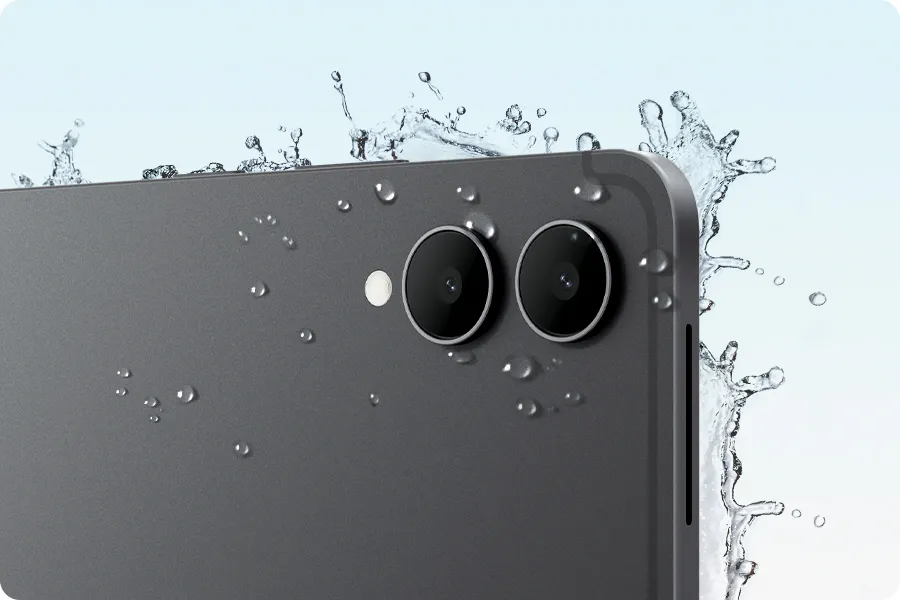
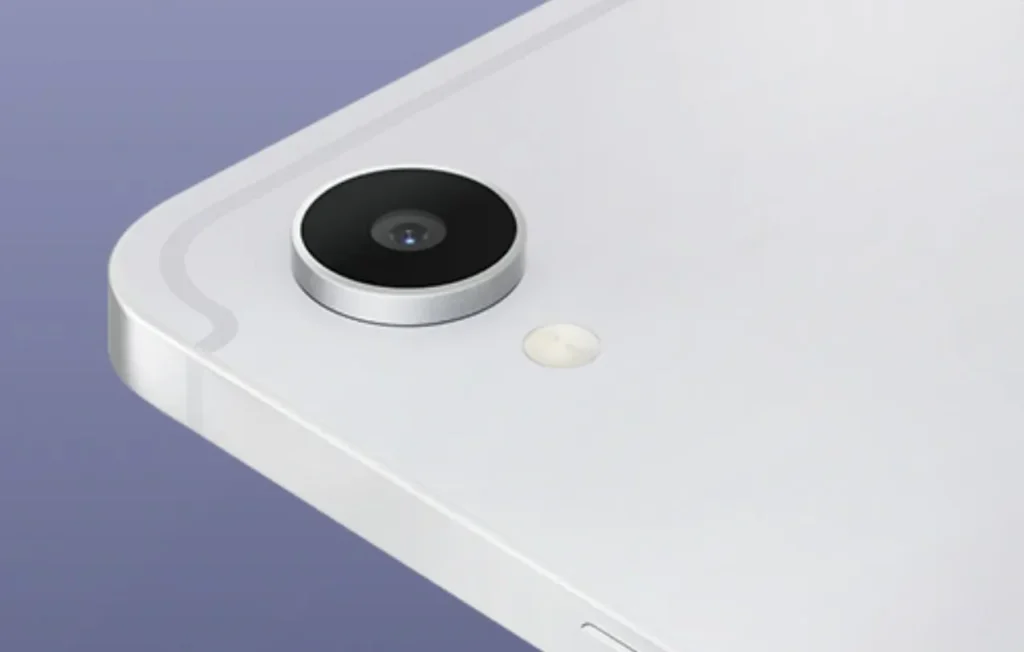
Both tablets feature a 12MP f/2.0 primary camera for everyday photography and video calls. However, the 8MP ultrawide camera is exclusive to the Galaxy Tab S12 Ultra, with Samsung dropping the ultrawide sensor from the Plus variant. This is a notable change from the Galaxy Tab S10 Plus, which also featured an ultrawide camera.
The omission is somewhat disappointing, particularly for users who use the tablet for document scanning, group photos, or wider-angle shots. If having an ultrawide camera is important to you, the Galaxy Tab S12 Ultra is the only option between the two.
Battery Capacities
To feed its big displays, the Ultra is equipped with an enormous 11,600mAh battery, whereas the smaller Plus model utilizes a 10,600mAh cell. Because the Ultra’s larger panel consumes more power, both devices end up landing in the exact same ballpark for actual longevity, delivering an easy 14 to 16 hours of daily workflow. When it is time to plug back in, both support 45W Super Fast Charging 2.0.
Connectivity Split
This is a crucial detail for power users. The Tab S12 Ultra features next-generation Wi-Fi 7 capabilities, maximizing download speeds on compatible high-end routers. The Tab S12 Plus is slightly scaled back, relying on Wi-Fi 6E infrastructure. Both offer optional 5G configurations if you require an untethered cellular connection on the move. Both devices feature Bluetooth 6.0 and USB Type-C 3.2 for fast connectivity
User Interface (UI) and Ecosystem
A large display is only as useful as the software optimized to take advantage of it. Both the Galaxy Tab S12 Plus and Tab S12 Ultra run Android 17 with Samsung’s One UI 9, backed by seven years of major OS and security updates.
Samsung’s tablet-focused software makes good use of the larger displays. The Multi-Window feature supports a three-way split-screen layout, allowing users to run multiple apps simultaneously without constantly switching between them. This can be particularly useful for productivity—for example, keeping a browser, Samsung Notes, and a document or video open at the same time.
For users who prefer a traditional desktop-style environment, Samsung DeX turns the tablet interface into a more PC-like workspace, with resizable and draggable windows, taskbar-style navigation, and support for external monitors. This makes the Tab S12 series considerably more versatile than a conventional large-screen Android tablet, particularly when paired with a keyboard, mouse, and external display.
Software & Productivity
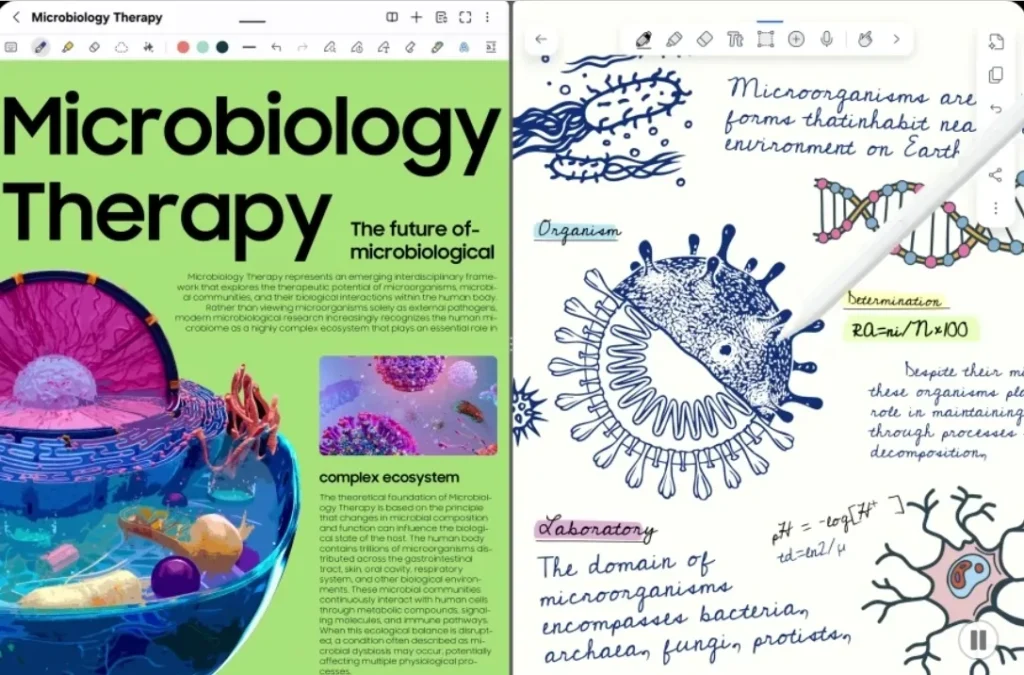
Samsung has heavily integrated Galaxy AI into its native apps. Features like Note Assist automatically clean up, format, and summarize handwritten scribbles from your S Pen. Furthermore, Samsung’s software includes access to top-tier digital agents, including Google Gemini and Perplexity, easily summoned to plan schedules or conduct research on the fly.
To maximize productivity right out of the box, Samsung has partnered with industry-standard application developers:
- Adobe Photoshop: Pre-loaded for the first time on an Android tablet, featuring a tailored touch interface and Adobe Firefly generative AI tools.
- Creative Suites: Full optimization and extended trials for software staples like LumaFusion for 4K video editing, and note-taking apps like Notability and GoodNotes
S Pen Workflow
The S Pen remains a definitive highlight of the Galaxy tablet experience. Featuring ultra-low latency and precise pressure sensitivity, the stylus comes bundled in the box with both models at no extra cost.
The writing experience varies beautifully depending on the device you choose:
- On the Galaxy Tab S12 Plus: Writing feels incredibly natural and deliberate, transforming the tablet into the ultimate portable digital notebook.
- On the Galaxy Tab S12 Ultra: The display acts as an expansive studio workspace. Digital artists can easily keep reference images or browser windows open on one side of the screen while a massive sketch pad occupies the rest.
Audio & Sound Quality
The Samsung Galaxy Tab S12 Plus and Tab S12 Ultra share the same core audio setup, with both featuring a quad-speaker system tuned by AKG and support for Dolby Atmos. The four-speaker configuration creates a wider and more immersive soundstage, making both tablets well suited to movies, gaming, music, and other multimedia content.
Samsung Galaxy Tab S12 Plus vs. S12 Ultra: Final Verdict
The Galaxy Tab S12 Plus and Galaxy Tab S12 Ultra share the same flagship foundation, including the MediaTek Dimensity 9500 processor, 120Hz Dynamic AMOLED 2X display technology, S Pen support, Samsung DeX, long-term software updates, and a premium quad-speaker system. The real difference is how much hardware and screen space you need.
The Galaxy Tab S12 Plus is the better-balanced choice for most users. Its 12.6-inch display provides plenty of room for note-taking, gaming, studying, multitasking, and media consumption without making the tablet unnecessarily large or heavy. It is also the more sensible option if portability is important to you.
The Galaxy Tab S12 Ultra is designed for users who want the maximum tablet experience. Its expansive 14.6-inch display provides considerably more workspace for multitasking, video editing, photo editing, and digital art. The Ultra also offers higher-end configurations with up to 16GB of RAM and 1TB of storage, along with an 8MP ultrawide rear camera and Wi-Fi 7.
However, the Ultra’s larger size and higher weight also make it less convenient to carry around. Its advantages are most meaningful when you can actually take advantage of the additional screen real estate and higher-end configurations.
Which Galaxy Tab S12 should you buy?
Choose the Galaxy Tab S12 Plus if you:
- Want a better balance between portability and screen size.
- Primarily use your tablet for note-taking, studying, gaming, and everyday productivity.
- Don’t need 16GB of RAM or 1TB of storage.
- Want flagship performance without the Ultra’s larger footprint.
Choose the Galaxy Tab S12 Ultra if you:
- Want the largest possible canvas for productivity and creative work.
- Frequently edit photos or videos on your tablet.
- Are a digital artist who benefits from additional screen space.
- Need up to 16GB RAM and 1TB of storage.
- Want features such as Wi-Fi 7 and the additional ultrawide camera.
Frequently Asked Question
What is the main difference between the Galaxy Tab S12 Plus and S12 Ultra?
The Tab S12 Ultra features a much larger 14.6-inch display. The Ultra also offers higher RAM and storage configurations, Wi-Fi 7, and an additional 8MP ultrawide rear camera.
Which Galaxy Tab S12 has the better battery life?
The S12 Ultra has the larger 11,600mAh battery, compared with 10,600mAh in the S12 Plus. However, the Ultra also has a significantly larger display, so battery capacity alone does not determine real-world endurance. Actual battery life depends on brightness, refresh rate, applications, connectivity, and workload
Which models support Samsung DeX?
Both models support Samsung DeX, which provides a more desktop-like interface with resizable windows, multitasking, and external-display support. The feature makes both tablets more suitable for PC-style productivity.
Which Galaxy Tab S12 is better for gaming?
Both tablets have the same Dimensity 9500 processor and 120Hz display, so both should provide flagship-level gaming performance. The S12 Plus is easier to handle and carry, while the Ultra’s larger chassis and display can provide a more immersive gaming experience and potentially offer an advantage for sustained workloads.