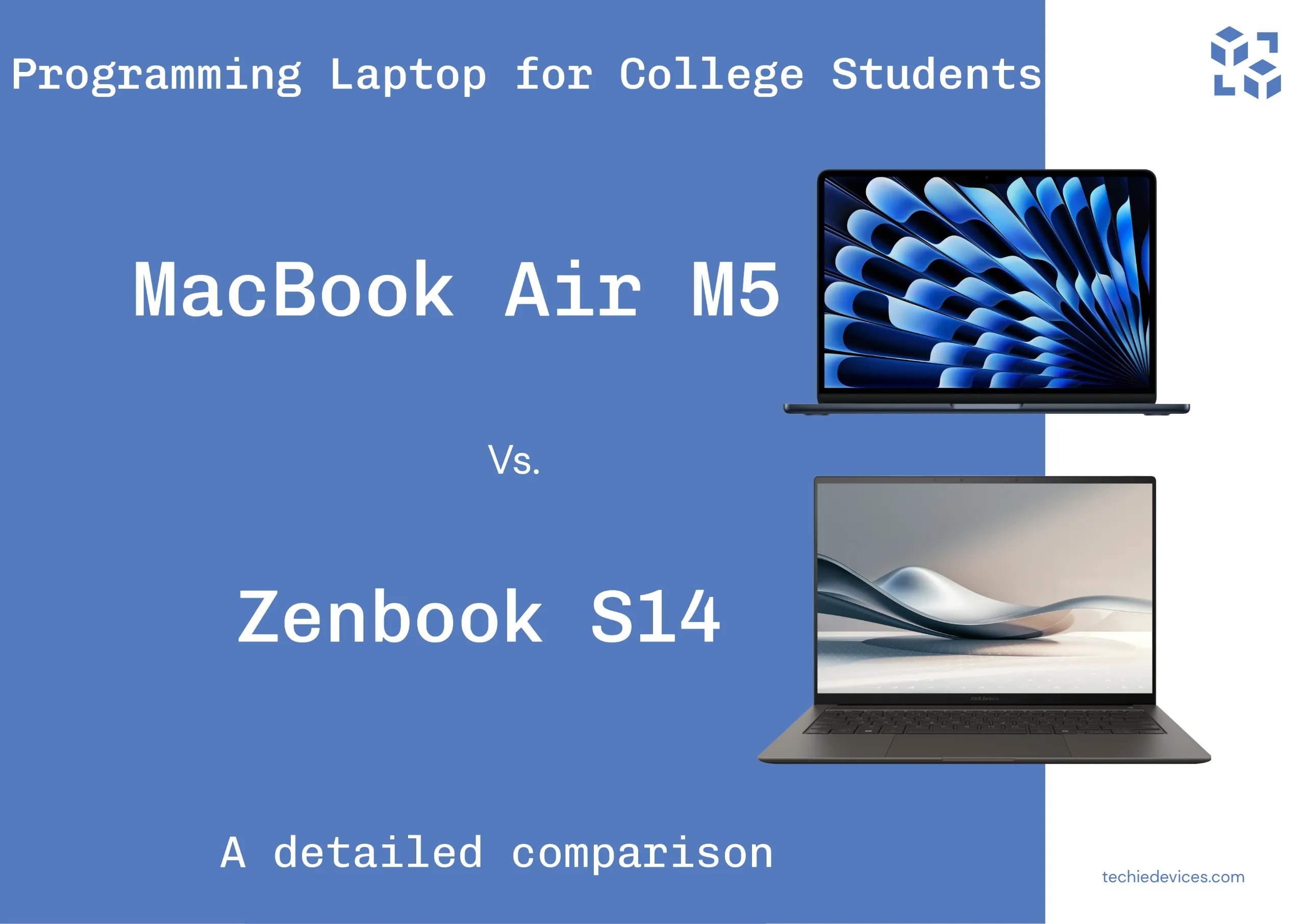
MacBook Air M5 vs. ASUS Zenbook S14: Which Is the Best Programming Laptop for College Students?
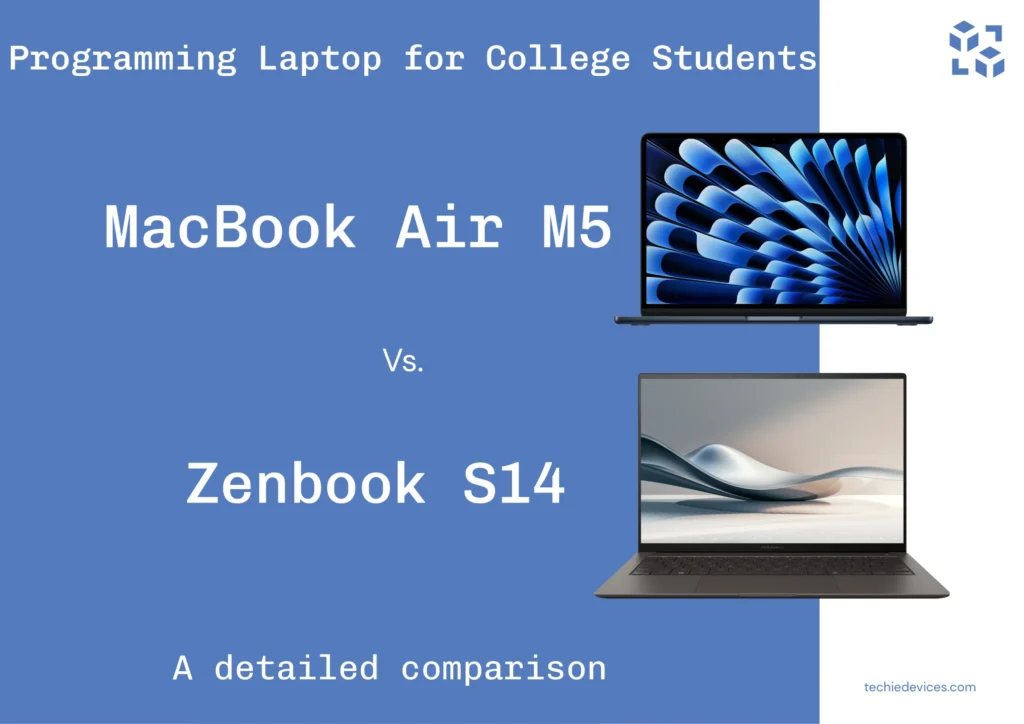
Selecting the right laptop for college programming is a balance of performance, portability, battery life, and ecosystem compatibility. Both laptops deliver strong performance, but their fundamentals are different, which raises the question: MacBook Air M5 vs. Asus Zenbook S14 which is better for students?
The MacBook Air M5 delivers Apple battery efficiency, a silent fanless design, and best-in-class multi-core performance that holds steady even on battery power. On the flip side, the Zenbook S14 takes a different approach with its stunning OLED touch display, Windows compatibility, and versatile port selection, making it a strong contender.
Table of Contents
Whether your coursework demands Unix-based terminal operations, software development, virtualization, or heavy x86 Windows software compliance, choosing between these two machines will shape your entire workflow. Let’s break down how their contrasting fundamentals map directly onto your computer science curriculum.
MacBook Air M5 vs. Asus Zenbook S14: Battle of Hardware
When configuring a programming machine, your choices on day one dictate your workflow for the next four years. Both Apple and ASUS approach component architecture differently, forcing students to choose between uncompromising out-of-the-box integration or flexible industry standards.
The Memory Dilemma: Upgradability vs. Efficiency
Apple proposes the MacBook Air M5 in three unified capacities- 16GB, 24GB, or 32GB alongside storage tiers ranging from 512 up to 4TB. However, because the RAM and SSD storage are soldered directly to the logic board, post-purchase upgrades are completely impossible. While the baseline 16GB/512GB configuration provides ample overhead for running local Large Language Models (LLMs) and standard IDE compilation, you must buy the spec you need for daily work life.
Contrarily, the Asus Zenbook S14 counters with a streamlined lineup packing up to 32 GB of LPDDR5X RAM and up to 1TB PCIe 4.0 NVMe SSD. Its RAM is also soldered to optimize its ultra-thin chassis; its standard storage configuration leaves more breathing room for massive project repositories right out of the gate.
MacBook Air M5 vs. Asus Zenbook S14: Silicon Architecture and AI TOPS
Behind the scenes, the structural divide between ARM-based Apple Silicon and Intel’s x86 architecture determines how efficiently your development environment compiles code, runs virtual containers, and executes localized AI models.
- MacBook Air 5 (8-core GPU): Features a 10-core CPU, an 8-core GPU, and a 16-core Neural Engine. It roughly delivers 38 trillion operations per second (TOPs) of dedicated AI processing power.
- MacBook Air 5 (10-core GPU): It features a stronger 10-core GPU instead of an 8-core GPU, maximizing its AI capabilities at up to 50 TOPS.
The 2026 Zenbook S14 uses Intel Core Ultra Series 3 (Panther Lake) processors, with up to a Core Ultra 9 and an NPU delivering 50 TOPS
- Zenbook S 14 UX5406SA (Base): Featuring an Intel® Core™ Ultra 5 Processor 226V (series 3) with an integrated Intel® AI Boost NPU up to 40TOPS
- Zenbook S 14 UX5406AA (Premium): Intel® Core™ Ultra 9 Processor 386H with an integrated Intel® AI Boost NPU up to 50TOPS
What do these TOPS numbers actually mean for you? In short, they dictate how fast your laptop can think locally without relying on the cloud. Whether you are choosing Apple’s 50 TOPS or Intel’s 50 TOPS, both premium tiers give you the horsepower needed to run localized AI tools. Like coding assistants, autocomplete plugins, and local LLMs (like Llama 3 or Mistral).
Thermals & Cooling: Fanless Silence vs. Active Cooling
When you are compiling massive codebases, rendering a project UI, or running Docker containers, how your laptop handles heat to maintain efficient work progress changes everything. Apple and Asus take fundamentally different approaches to thermal management.
The MacBook Air M5: Silence With a Catch
Apple’s obsession with silent computing runs deep in its DNA. Steve Jobs hated cooling fan noise, so much that he forced the Apple III computer to be built without a single fan in 1980. While that early, vent-constructed design suffered from notorious overheating issues, Apple’s engineering has finally made Jobs’ vision practical.
The MacBook Air M5 carries over this philosophy with an entirely fanless design. It stays completely silent, but sustained heavy workloads can eventually push the chip into thermal limits.
- The Programming Benefit: You can push heavy compilation pipelines in the middle of a silent campus library or a lecture hall without generating loud fan whine.
- The Thermal Trade-off: Without an active fan to exhaust hot air, the MacBook relies entirely on its aluminum chassis to dissipate heat. During sustained, long-term multi-core tasks or training a small local model, the system will eventually thermal throttle to prevent overheating.
The Asus Zenbook S14: Active Cooling for Sustained Performance
On the other hand, Asus uses an active cooling system for its Zenbook S14, backed by ultra-thin, high-efficiency fans and optimized vapor chambers.
- The Programming Benefit: When you work on a heavy development workload, the fans kick in to actively push heat out. This allows the Intel Core Ultra processor to maintain higher clock speeds for longer durations without dropping performance.
- The Thermal Trade-off: Active cooling means noise. The Lunar Lake architecture is incredibly quiet during light tasks; you will hear fan noise kick up when the processor is under heavy load.
MacBook Air M5 vs. ASUS Zenbook S14: Display and Design
MacBook Air M5
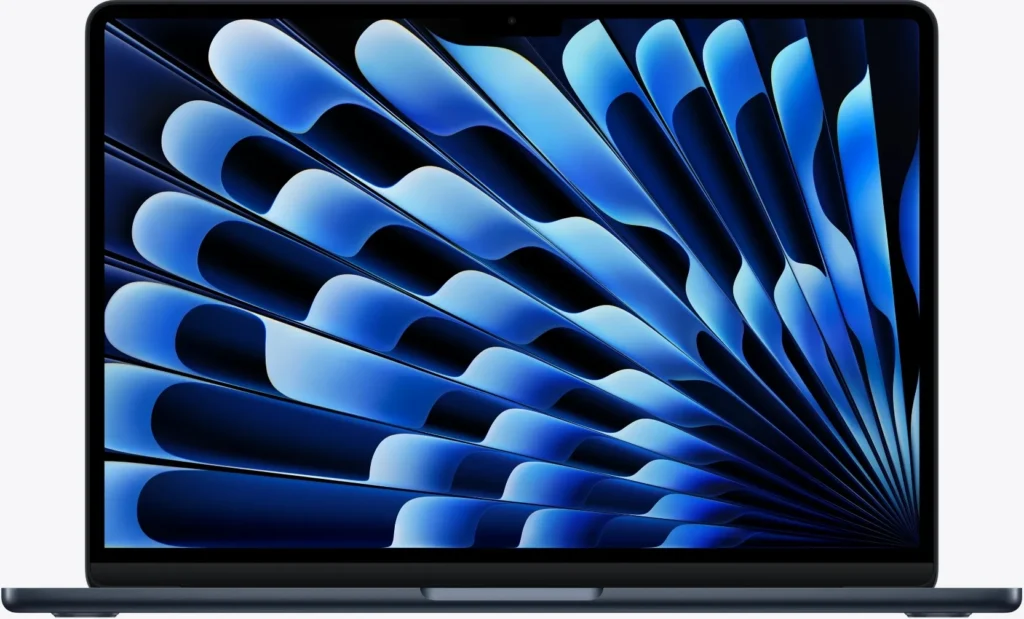
The Air comes in two sizes: 13.6-inch and 15.3-inch. The 13.6-inch model has a resolution of 2560×1664; the 15.3-inch bumps up to 2880×1864. Both are LCD panels with a 60Hz refresh rate, 500 nits peak brightness, and P3 wide color support. The chassis is aluminum, weighing about 1.24 kg (13-inch) and 1.51 kg (15-inch).
ASUS Zenbook S 14
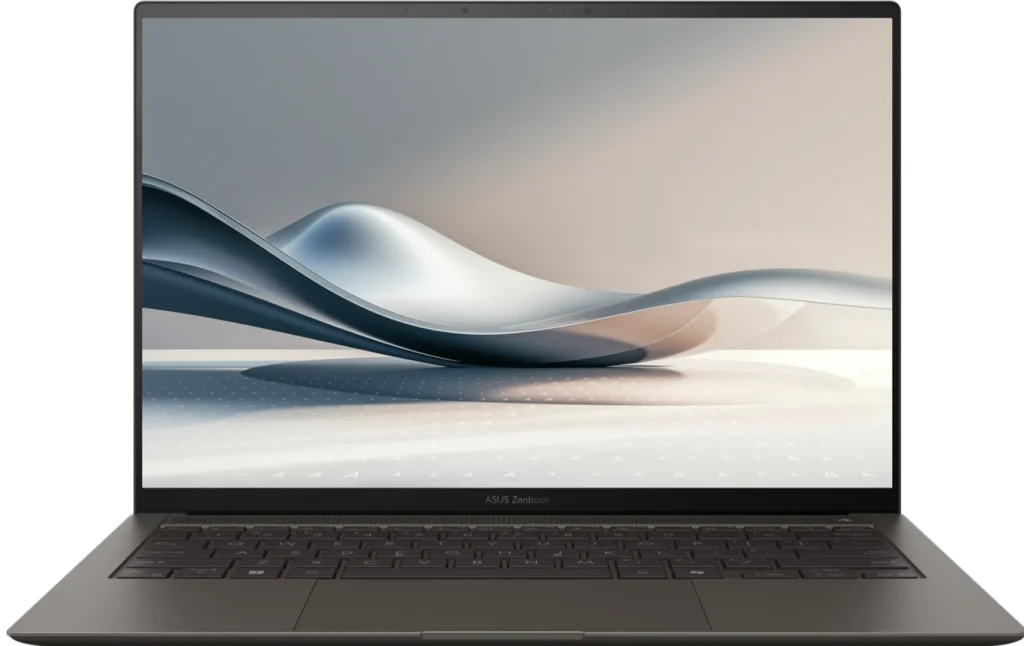
The Zenbook has a single 14-inch 3K OLED panel (2880×1800) with a 120Hz refresh rate and up to 1100 nits peak HDR brightness. It measures 12.9mm at its thickest point and weighs around 1.2 kg: slightly lighter than the 13-inch Air despite having a larger screen. Unlike the Air, it uses an active cooling system.
What this means for you
The Zenbook’s OLED screen is the clear winner for reading code. The contrast ratio is effectively infinite, which makes dark-themed IDEs easier on the eyes. The 120Hz refresh rate smooths scrolling through long files. And 1100 nits HDR is genuinely usable outdoors, something neither Air can match at 500 nits.
MacBook Air M5 vs. Asus Zenbook S14: It’s not the brightest or fastest panel, but it’s reliable, color-accurate enough for most work, and paired with macOS’s excellent font rendering. For pure coding, the LCD is fine. For everything else: media, outdoor work, eye comfort. The Zenbook’s OLED is better.
MacBook Air M5 vs. ASUS Zenbook S14: Ports and Connectivity
Area where the Zenbook clearly wins: The port Advantage
The Zenbook S14 has two Thunderbolt 4 USB-C ports, one USB 3.2 Gen2 Type-A port, an HDMI 2.1 port, and a headphone jack. The MacBook Air has only two Thunderbolt 4 ports (plus MagSafe charging). For those who need to connect to projectors, embedded devices, or legacy peripherals, having USB-A and HDMI without a dongle is a genuine convenience.
Wireless connectivity: Wi-Fi 7 and Bluetooth 6
Both machines excel here. Wi-Fi 7 means blisteringly fast downloads for heavy developer tools, while Bluetooth 6 ensures your wireless mechanical keyboards and mice remain perfectly stable.
Battery Performance: Real-World Endurance
- Apple Air M5: The 13-inch model features a 53.8Wh lithium-polymer battery, and the Air 15 comes with a 66.5Wh lithium-polymer battery; because it has a 60Hz display panel, it comfortably delivers 12-15 hours of real use.
- The Asus Zenbook S14: Backed by a large 72Wh/77Wh battery and a highly efficient Intel Lunar Lake architecture, it comfortably delivers 10-14 hours of real-world endurance under moderate coding tasks
The Catch: Zenbook’s vibrant 120Hz 3K OLED screen draws more power when displaying bright, white backgrounds. I advise you to use Dark Mode to squeeze the most life out of it.
Apple Ecosystem vs. Windows 11
Both laptops run on entirely different operating systems; here is my take
- Choose macOS (Air): For Web, Unix Dev, and smartphones, it behaves identically to Linux servers and is the only platform that allows you to natively compile and build iOS applications via Xcode.
- Choose Windows 11 (Zenbook): For game Dev, .NET, and Legacy Engineering
The Hybrid Workaround: If you prefer the Zenbook but need a Linux workflow, you can easily use the Windows Subsystem for Linux (WSL2) to run a full Linux distribution natively inside Windows 11.
Head-to-Head for Programming Students
| Category | MacBook Air M5 | ASUS Zenbook S14 |
|---|---|---|
| Cooling | Fanless | Active cooling |
| Sustained workloads | Thermal limits possible | Better suited to prolonged loads |
| Display | 60Hz Liquid Retina | 120Hz 3K OLED |
| Ports | 2× Thunderbolt 4 + MagSafe | TB4 + USB-A + HDMI |
| Battery | Strong endurance | Strong endurance |
| OS | macOS / Unix | Windows 11 + WSL2 |
| iOS development | Native Xcode | Not supported natively |
| Windows software | Limited/virtualization required | Native |
| Portability | Excellent | Excellent |
| Best suited for | Unix/web/iOS/quiet environments | Windows/ports/display/sustained workloads |
Which Laptop for Which Student?
Choose the MacBook Air M5 if:
- You value silence above almost everything—you study in quiet spaces and can’t stand fan noise.
- Your programming work is mostly short bursts: assignments, debugging, web development, light scripting.
- You’re interested in macOS development (Swift, iOS) or prefer a Unix-native environment.
- You want the best battery life for all-day campus use.
- You’ll do some local AI work, but not hours of model training.
Choose the ASUS Zenbook S14 if:
- You regularly run long compilations, training jobs, or sustained multi-core workloads.
- You need ports without dongles—HDMI for presentations, USB-A for peripherals.
- You want a high-refresh OLED display for coding and media.
- You prefer Windows or need it for coursework (some CS programs are Windows-centric).
- You’re comfortable with the fan noise trade-off for sustained performance.
The Final Verdict
Choosing between the MacBook Air M5 and the Asus Zenbook S14 comes down to your computer science curriculum and hardware preferences.
Invest in the MacBook Air M5 if you want silence, reliability, and long-lasting battery endurance, or if you want to dive heavily into web development, data science, or iOS app creation.
Lean toward the Asus Zenbook S14 if you want a smooth 120Hz OLED screen, good battery endurance, or if your program relies heavily on game engines, .NET databases, or Windows-based applications.
Related Reading
- How to Choose a Laptop in 2026 (And Avoid Costly Mistakes
- New AI Coding Tools Accelerate Software Development in 2026
Frequently Asked Questions
Is the MacBook Air M5 good for programming?
Yes. The MacBook Air M5 is well suited to programming tasks such as web development, coding assignments, scripting, and Unix-based development. Its fanless design, strong performance, and long battery life also make it convenient for students who frequently work in classrooms, libraries, or other quiet environments.
Is the ASUS Zenbook S14 good for programming?
Yes. The ASUS Zenbook S14 is a strong programming laptop for students who prefer Windows or need Windows-specific software. Its active cooling can also be useful for sustained workloads such as long compilations and other CPU-intensive development tasks.
Is the MacBook Air M5 fanless?
Yes. The MacBook Air M5 uses a completely fanless cooling design, so it produces no cooling-fan noise. Under prolonged heavy workloads, however, thermal limitations can affect sustained performance.
Does the ASUS Zenbook S14 have active cooling?
Yes. The Zenbook S14 uses active cooling with fans to dissipate heat from the processor. The fans can become audible during demanding workloads, but active cooling is designed to help the laptop handle sustained loads.
Which laptop has the better display for programming?
The ASUS Zenbook S14 has the more advanced display on paper, with a 3K OLED panel and 120Hz refresh rate. The MacBook Air M5 uses a Liquid Retina LCD with a 60Hz refresh rate. The Zenbook’s OLED panel can provide deeper blacks and smoother scrolling, while the MacBook’s display offers Apple’s color management and sharp text rendering.
Can I develop iPhone and iPad apps on the ASUS Zenbook S14?
Not natively. Apple’s Xcode development environment for iOS and iPadOS requires macOS. If iOS development is an important part of your coursework or career path, the MacBook Air M5 has a significant platform advantage.
Can I run Linux on the MacBook Air M5?
macOS itself provides a Unix-based environment, which works well for many development workflows. Linux can also be used through virtualization or other solutions, but the experience is different from running Linux natively on compatible hardware.
Can I use Linux tools on the ASUS Zenbook S14?
Yes. Since the Zenbook S14 runs Windows 11, students can use Windows Subsystem for Linux (WSL2) to access a Linux environment alongside Windows applications.
Which laptop has better ports for college students?
The ASUS Zenbook S14 offers greater built-in connectivity, including USB-A and HDMI alongside its USB-C/Thunderbolt ports. The MacBook Air M5 has fewer built-in ports, although it includes MagSafe charging and Thunderbolt connectivity. Students who frequently connect projectors, USB-A accessories, or other peripherals may appreciate the Zenbook’s broader port selection.
Which laptop has better battery life?
The MacBook Air M5 is designed around Apple’s power-efficient Apple Silicon platform and fanless architecture, making battery endurance one of its major strengths. The Zenbook S14 also offers strong battery life, but actual endurance depends heavily on workload, display brightness, and refresh-rate settings.