iPhone 18 Pro Problems: Common iOS 27 Bugs and Fixes
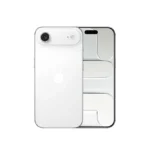
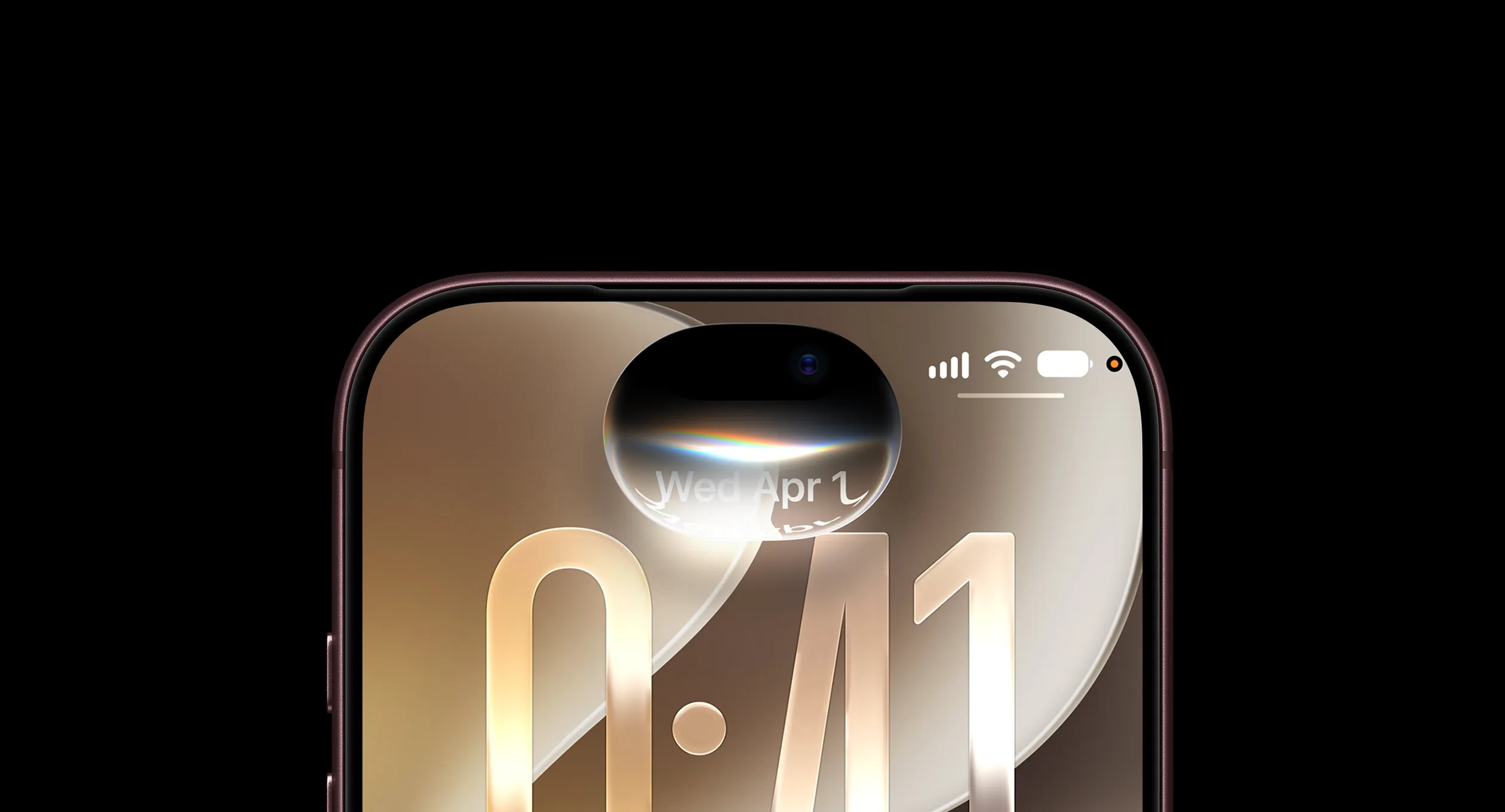
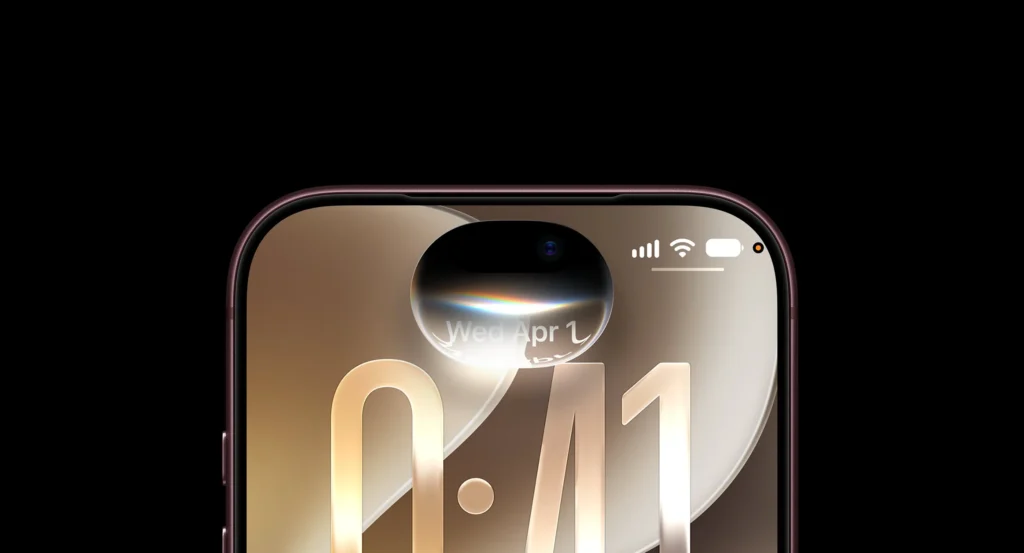
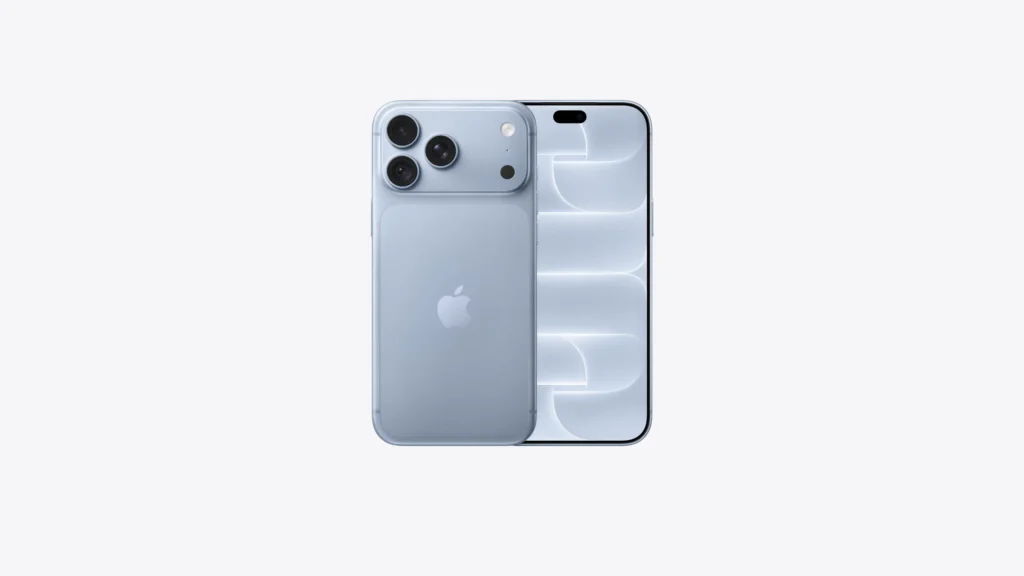
The iPhone 18 Pro features a powerhouse Apple A20 Pro 2nm-based processor, a groundbreaking camera that dynamically shifts its aperture according to lighting conditions, and runs the latest iOS 27. However, early adopters are finding that this premium hardware is currently being held back by early software bugs. From slow animations and display lag to overheating and sudden UI crashes, the iOS 27 experience is off to a buggy start.
In this article, we’ll break down the most common iPhone 18 Pro glitches and how you can resolve them today.
Table of Contents
Touchscreen Lag and Control Center Lockups
Even after updating, a user on X (formerly Twitter) reported touchscreen lag. According to the report, the lag occurs when swiping to open the redesigned Liquid Glass Control Center or interacting with extra-large Home Screen widgets.
- Why it happens: The ultra-thin display bezels, combined with an overly sensitive palm-rejection algorithm near the physical camera buttons, are tricking iOS 27 into ignoring intentional user input.
- The Temporary Fix: Slapping a protective case onto your device dramatically cuts down on accidental skin contact near the screen edge, minimizing the lag.
The Face ID Freeze & Restart Loop
One of the early iOS 27 problems reported by the iPhone 18 Pro and iPhone 18 Pro Max owners involved Face ID authentication failures triggering unexpected freeze, crashes that trigger an unexpected system reboot, disrupting normal use.
- The Status: Fixed. Apple quickly responded by deploying the iOS 27.0.1 Update to stop these crashing loops.
- The Fix: If your phone is restarting on its own, navigate to Settings > General > Software Update immediately to install the patch.
iOS 27 Bugs: Disappearing Keyboard and App Crashes
Another annoying and frustrating bug causes important elements of the system, like the keyboard and its related features (such as the copy/paste toolbar), to completely vanish mid-sentence. Other built-in apps, including Voice Memos and Mail, have also been caught freezing. This frequently leads to severe workflow delays, forcing users to restart their tasks completely from scratch.
- The Fix: A force restart may temporarily restore missing UI elements. Press and quickly release the Volume Up button, then press and quickly release the Volume Down button. Next, press and hold the Side button until the Apple logo appears, then release it. This procedure does not normally erase your data, but the issue may recur if an underlying software bug remains unresolved.
- If the issue persists, check for the latest available iOS update under Settings, or contact Apple Support for further diagnosis.
Hardware and Carrier Warning Signs
While most of these complaints point to bad optimization inside iOS 27, a few issues require physical hardware attention:
- Speaker Crackling: Some users note a clicking or popping distortion coming from the top earpiece during phone calls.
- Vertical Display Lines: If bright pink, green, or red vertical lines appear across your screen, this indicates a hardware failure with the panel assembly. A software restoration will not fix this; you will need to schedule a diagnostic appointment at your nearest Apple Store.
Quick Troubleshooting Checklist for Techie Readers
Before throwing your hands up in frustration, try these steps in order to stabilize your device:
| Step | Action | What it Fixes |
|---|---|---|
| 1 | Install iOS 27.0.1 | Face ID crashes & major system reboots. |
| 2 | Reset Network Settings | Fixes Siri dropouts and wireless lag carried over from older phone backups. |
| 3 | Use a Phone Case | Curbs edge-touch unresponsiveness caused by the slim bezels. |
Frequently Asked Questions (FAQ)
Does iOS 27.0.1 fix the iPhone 18 Pro restart bug?
Yes. Apple’s official release notes state that iOS 27.0.1 fixes unexpected restarts affecting the iPhone 18 Pro and iPhone 18 Pro Max when Face ID authentication fails. If your device continues restarting after updating, contact Apple Support for further diagnosis.
Why is my iPhone 18 Pro touchscreen not responding?
Apple’s release log specifically states that the unresponsiveness happens when the user swipes and opens the Control Center and Notification Center simultaneously. However, users facing edge-touch lag should also use a phone case to prevent the palm-rejection algorithm from misbehaving.
Why does the keyboard disappear on my iPhone 18 Pro?
This is an ongoing iOS 27 system UI glitch that forces critical interface assets out of memory mid-sentence. If your keyboard vanishes, swipe up from the bottom of your screen to force-close the app you are using, or perform a quick hardware force restart. If the keyboard continues dropping across multiple system apps (like Mail and Messages), check Settings > General > Software Update for upcoming hotfixes.
How do I force restart an iPhone 18 Pro?
Press and quickly release the Volume Up button, then press and quickly release the Volume Down button. Next, press and hold the Side button until the Apple logo appears, then release it. A force restart does not normally erase your data.
Should I reset Network Settings to fix iOS 27 bugs?
Only if you are experiencing dropped calls, carrier text failures, or unstable Wi-Fi connections. Resetting network settings removes your saved Wi-Fi passwords and VPN profiles, and it will not fix unrelated screen freezes or keyboard glitches. If you are facing total cellular data failure that a network reset cannot fix, contact Apple Support regarding a hardware swap.
What should I do if my iPhone 18 Pro has colored lines on the display?
Back up your device immediately and schedule an appointment via the Apple Support App to get a replacement phone under your standard warranty.