Why Stylus Devices Are Becoming Essential for Modern Productivity
Table of Contents
Digital stylus technology has evolved far beyond simple touchscreen navigation. What was once a niche accessory is now a powerful productivity tool transforming how people work, study, and create in the modern digital world. Creative hardware ecosystems from Wacom, Huion, and XP-Pen, alongside stylus innovations such as the Samsung S Pen, Apple Pencil, and Microsoft Surface Pen, have pushed stylus computing into mainstream productivity, digital creativity, and professional workflows.
With features such as pressure sensitivity, tilt recognition, palm rejection, and ultra-low-latency response, modern stylus-enabled devices now offer an experience that feels remarkably close to traditional pen and paper. From handwritten note-taking and document annotation to digital illustration, workflow planning, and multitasking, this technology is helping students, professionals, and creators work faster and more naturally than ever before.
This shift is redefining modern productivity, making stylus-enabled devices more than just creative tools. They are becoming essential companions for learning, business workflows, and digital organization.
Understanding the Different Types of Stylus Tablets
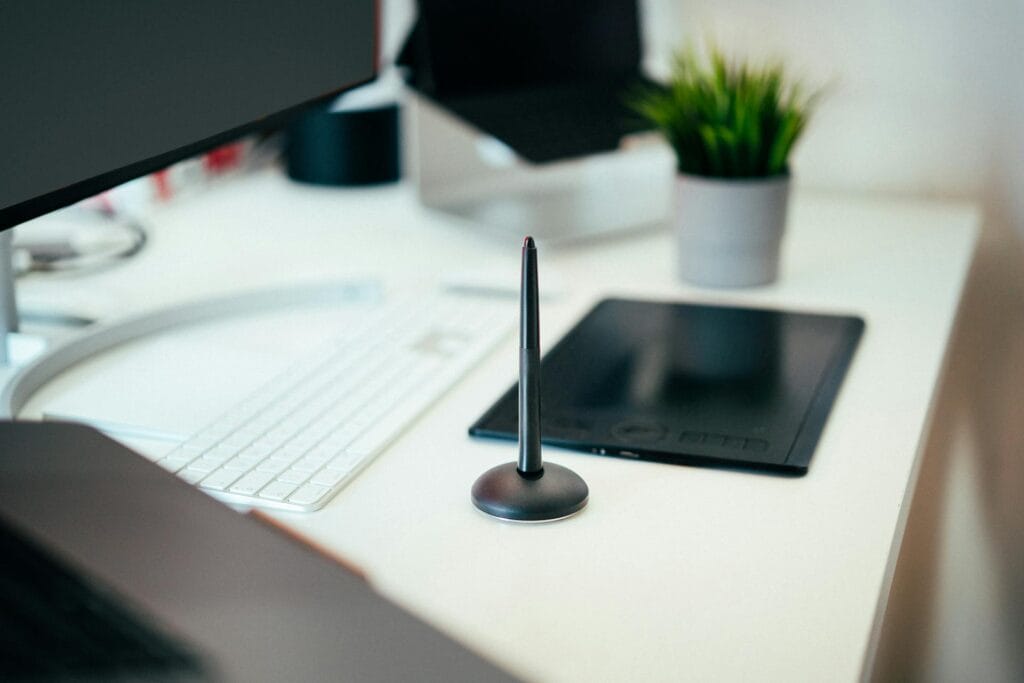
1. Creative Drawing Tablets (Screenless)
These devices require a connection to a desktop or laptop and are mainly designed for digital art and creative precision work.
Examples:
- Wacom Intuos
- One by Wacom
- Huion Inspiroy
- XP-Pen Deco
Best for:
- Graphic design
- Illustration
- Photo editing
- Beginners learning digital art
2. Pen Display Tablets
These are drawing tablets with built-in displays. However, they do not come with their own operating system and still require a connection to a desktop or laptop.
Examples:
- Wacom Cintiq
- Huion Kamvas
- XP-Pen Artist Pro
Best for:
- Professional artists
- Precision design work
- Animation
- High-detail digital artwork
3. Productivity and Note-Taking Tablets
Built for students, professionals, and demanding multitasking workflows, modern tablets have evolved into powerful productivity tools that go far beyond basic note-taking.
Their ability to combine handwritten input, precise navigation, document annotation, and seamless multitasking makes them highly effective for digital learning, research, creative planning, and professional work environments.
Whether attending online classes, organizing study materials, brainstorming ideas, or managing multiple tasks at once, these devices offer a more intuitive and efficient workflow than traditional touchscreen interaction.
You may also like How Stylus-Tablets Are Perfect for Study and Productivity, where we take a deeper look at their practical advantages for modern users.
Examples:
- Samsung Galaxy Tab S series
- Apple iPad Air + Apple Pencil
- Microsoft Surface Pro + Surface Pen
Best for:
- Handwritten notes
- PDF annotation
- Office work
- Research and study
- Split-screen multitasking
- Mobile creative workflows
4. Budget Learning Tablets
Affordable stylus tablets designed for students and beginner mobile creators.
Examples:
- Samsung FE tablets
- Budget Android and Apple tablets
- Entry-level iPads
Best for:
- School notes
- Online learning
- Casual handwriting use
- Beginner mobile creators
My Hands-On Experience with Stylus Devices
Samsung Galaxy Note 3: The Beginning of My S Pen Journey
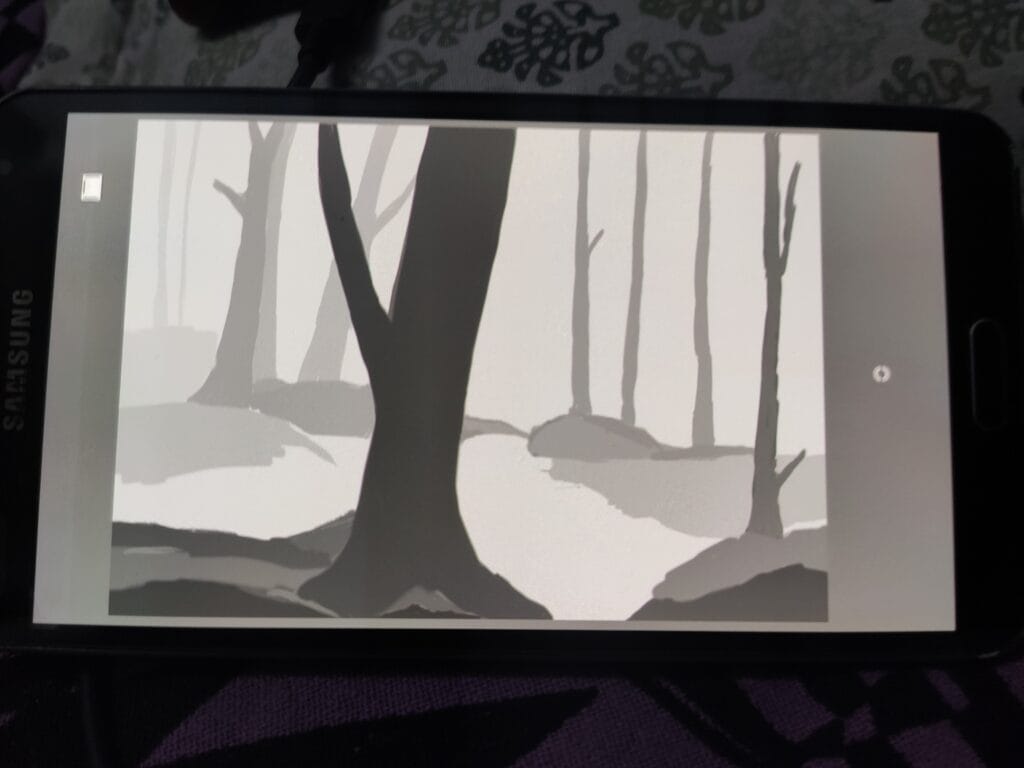
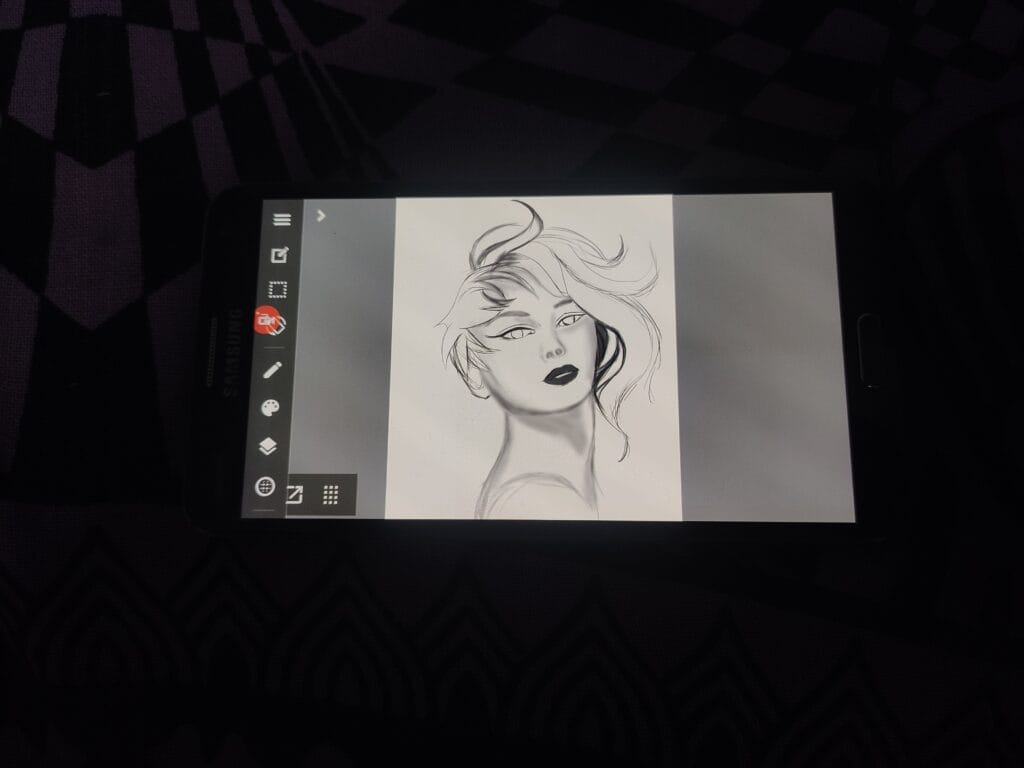
My journey with the S Pen began in 2013 when I got my first smartphone, the Samsung Galaxy Note 3. At the time, its S Pen offered 1,024 levels of pressure sensitivity, which was impressive for that era and more than enough for note-taking and learning digital art.
It marked the beginning of my hands-on experience with this technology and showed me how natural and precise digital writing could feel.
I spent countless hours drawing in apps like Autodesk SketchBook, Infinite Painter, and MediBang Paint. Those early experiences helped me understand pressure control, brush dynamics, and the creative flexibility that stylus-enabled devices could offer.
Looking back, the Galaxy Note 3 was not just a smartphone for me—it was the starting point of my journey into digital creativity and productivity-focused workflows.
One by Wacom: Learning Professional Pen Workflows
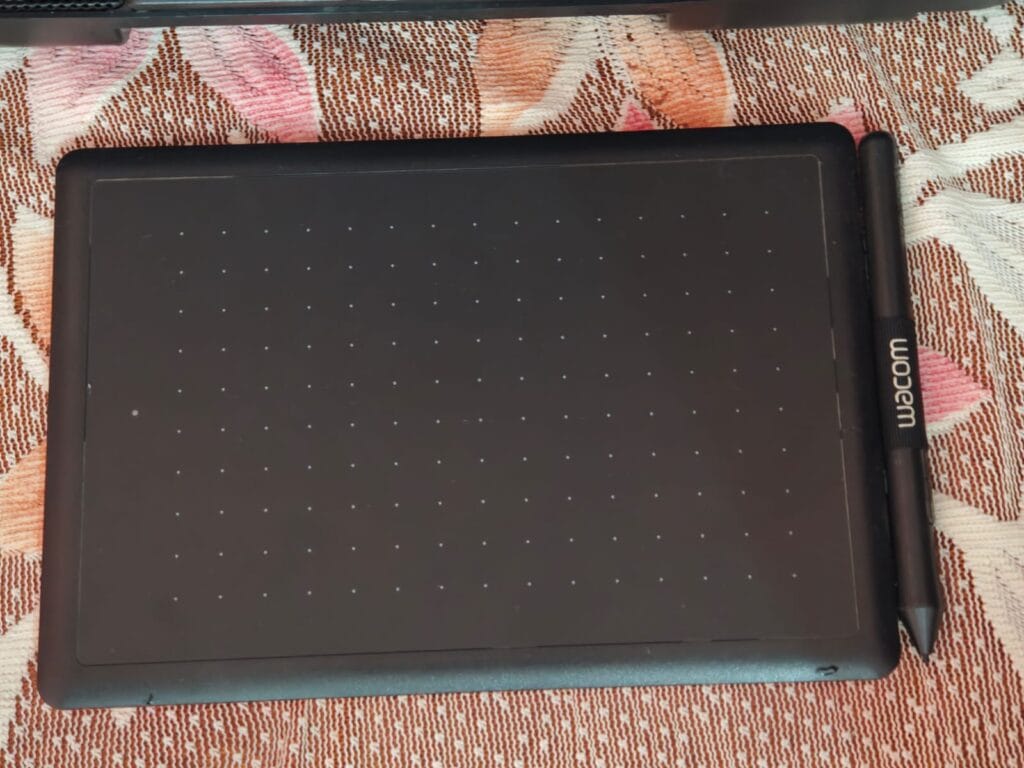
After some time, I purchased the One by Wacom, and it quickly became one of the best creative tools I have ever used.
With 2,048 levels of pressure sensitivity, it delivered highly accurate pen input that felt natural and responsive, making it effective for photo editing, video editing, and digital artwork.
For anyone looking to begin learning digital painting on a desktop or laptop, it remains one of the safest and most beginner-friendly options available.
Priced at around INR 2,000–3,000, it offers excellent value for students and aspiring creators who want to explore professional pen-based workflows without investing heavily.
During the COVID-19 pandemic, this graphic tablet became an essential part of my online learning workflow. It helped me attend classes, annotate materials, and improve digital creativity skills more efficiently.
Using it regularly improved my brush control, workflow precision, and creative confidence. More importantly, it showed me that stylus technology is not limited to premium tablets or flagship smartphones—it can also be an affordable gateway into creativity and productivity.
Samsung Galaxy Tab S7+: A True Productivity Upgrade
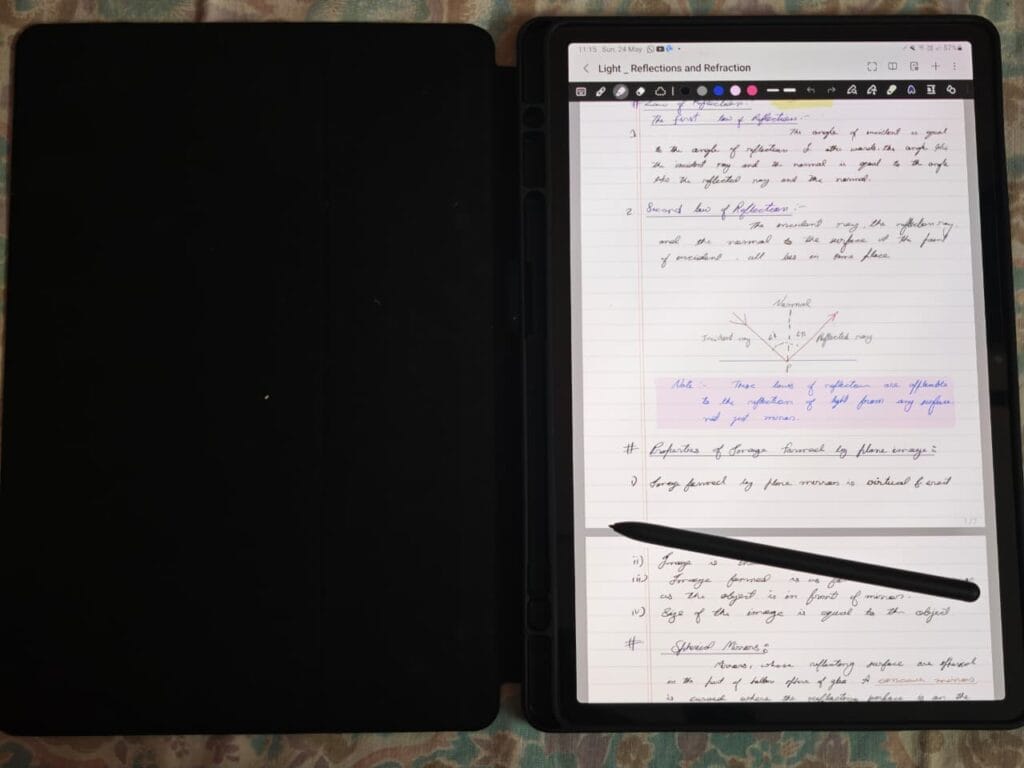
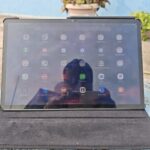
Another device that significantly shaped my stylus experience is the Samsung Galaxy Tab S7+.
Its large display, responsive S Pen, and excellent software optimization made it one of the most practical devices I have used for productivity and learning.
The spacious screen, combined with Samsung Notes, made attending online classes, organizing study material, and handwritten note-taking feel effortless and natural.
Its value increased even further after professional creative applications like Clip Studio Paint and Krita arrived on Android.
Their availability transformed tablets like the Galaxy Tab S7+ from simple note-taking devices into capable creative workstations suitable for illustration, concept sketching, and professional digital workflows.
For me, this was the point where Android stylus tablets truly matured. It proved that a well-optimized stylus tablet could deliver far more than convenience—it could become a serious productivity and creative companion for students, professionals, and artists alike.
How Stylus Technology Changed My Workflow
Looking back, each stylus device shaped a different phase of my workflow.
The Galaxy Note 3 introduced me to digital creativity.
The One by Wacom helped me build precision and artistic discipline.
The Galaxy Tab S7+ showed me how stylus devices could fully replace traditional productivity tools for learning, multitasking, and creative work.
Together, they showed me how stylus technology has evolved from a creative accessory into an essential modern productivity tool.