Physical Address
304 North Cardinal St.
Dorchester Center, MA 02124
Physical Address
304 North Cardinal St.
Dorchester Center, MA 02124

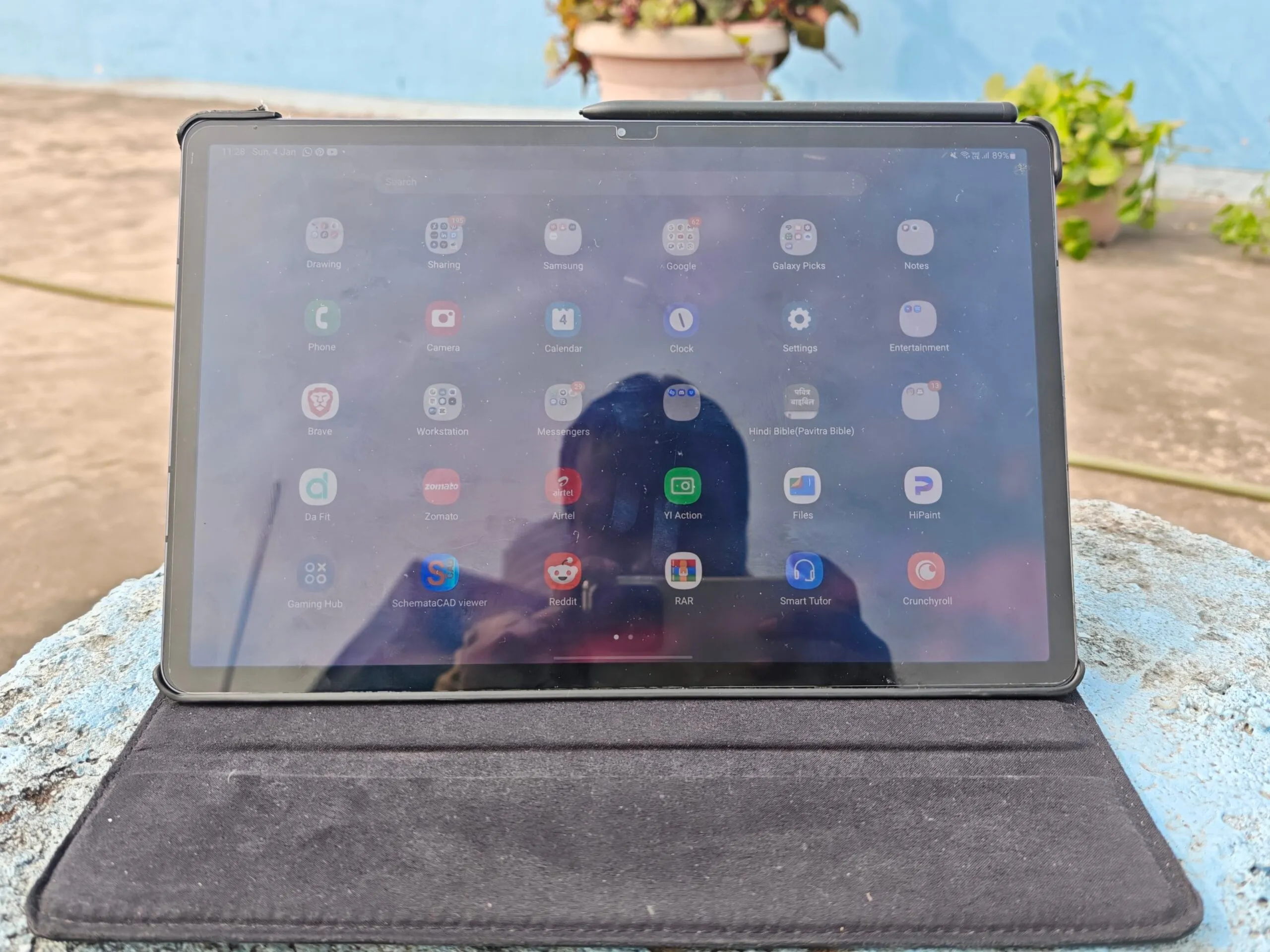
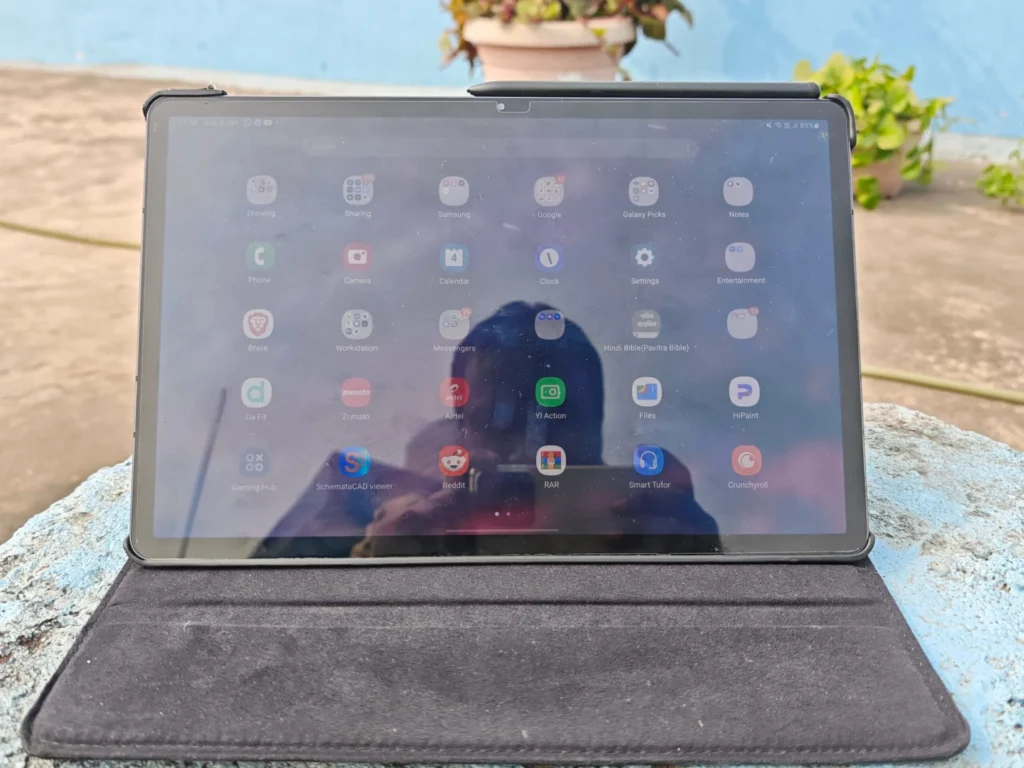
I’ve been using the Samsung Galaxy Tab S7 Plus since its release, and I’ve been meaning to write about my long-term experience with it for quite some time now.

I have been using the Samsung Galaxy Tab S7 Plus as my primary work machine since its release. As an educator who relies heavily on digital tools, I wanted to document how this former flagship holds up in terms of sustained performance, hardware degradation, and real-world battery efficiency.

As a teacher, my daily workflow requires a tablet capable of managing continuous online classes, running virtual meeting software, and serving as a digital whiteboard. Having previously used the Galaxy Note 10, I was already deeply embedded in Samsung’s stylus ecosystem. I needed a larger canvas that could seamlessly handle structural teaching tasks while doubling as a media consumption device.

My journey with Samsung’s stylus S-Pen infrastructure began in 2013 with the Galaxy Note 3, progressing through the Note 5 and Note 10. Having used this technology for over a decade, I can confidently evaluate its long-term reliability.
Unlike competing styluses that require active internal batteries, the S Pen utilizes ElectroMagnetic Resonance (EMR) tech. It draws power wirelessly from the screen panel, ensuring it never dies mid-class or during long annotation sessions. With 4,000 levels of pressure sensitivity, the stroke fidelity remains perfectly suited for both detailed handwriting and digital illustration.

Memory Options and Processor Maturation
The device came in two primary hardware configurations: a base model with 6GB of RAM and 128GB of storage, and a higher-tier variant sporting 8GB of RAM and 256GB of storage. If you are multitasking across Zoom, digital whiteboards, and heavy browser tabs, the 8GB version holds up beautifully today.
The Snapdragon 865+ processor continues to deliver stable daily performance. Standard workspace apps, document scanners, and split-screen multitasking run smoothly without system lag. While the tablet completed its official update lifecycle at Android 13 (One UI 5), this final software version remains highly stable. The UI is refined, and the device avoids the optimization bugs or performance drops that occasionally plague newer mid-range processors over time.
The 12.4-inch Super AMOLED (120Hz) display remains a standout feature. The absence of a camera notch ensures an uninterrupted canvas for screen sharing. For media consumption, the panel delivers true blacks and rich contrast, complemented by an exceptionally loud, well-balanced AKG quad-speaker array.
While the chip handles demanding casual games at medium settings, the physical size of the tablet makes extended handheld gaming fatiguing. However, the large aluminum chassis serves as an effective heat sink—thermal throttling and overheating are virtually non-existent during three-hour lecture streams.
A major concern with keeping a tablet for four years is the battery lifespan. The Galaxy Tab S7 Plus launched with a massive 10,090 mAh battery.
While it requires a midday top-up if used continuously for back-to-back classes, its standby power draw remains highly optimized. Fortunately, the tablet supports 45W fast charging, allowing me to recover battery life between teaching sessions quickly.
To test its creative longevity, I frequently use the open-source painting app Krita. Below is an example of a beginner-level digital painting I created entirely on this device:

I am a hobbyist artist—more accurately, a beginner-level sketcher—and I’d like to share one of my artworks as an example.
The screen real estate allows for comfortable canvas panning, though the 6GB RAM floor on the base model means you should limit your total layer count in heavy drawing applications to avoid running out of memory.
| Specification | Details |
|---|---|
| Dimensions | 285 x 185 x 5.7 mm |
| Build | Glass front, aluminium back, aluminium frame |
| Display Type | Super AMOLED, 120Hz, HDR10+ |
| Chipset | Qualcomm SM8250 Snapdragon 865 5G+ (7 nm+) |
| Main Camera | 13 MP, f/2.0, 26mm (wide), 1/3.4″, 1.0µm, AF 5 MP, f/2.2, 12mm (ultrawide), 1.12µm |
| Selfie Camera | 8 MP, f/2.0, 26mm (wide), 1/4.0″, 1.12µm |
| Battery | Li-Po 10090 mAh (45W wired) |
| Sensors | Fingerprint (under display, optical), accelerometer, gyro, proximity, compass |
| Ports | USB Type-C 3.2, magnetic connector |
The Samsung Galaxy Tab S7 Plus proves that investing in a premium-tier flagship yields excellent long-term dividends. Even years after its debut, its Super AMOLED screen, battery-free stylus reliability, and robust build outclass brand-new budget tablets.
If you do not require the latest Android OS version iterations, this tablet remains a highly dependable workhorse for educators, students, and casual creators alike.