Physical Address
304 North Cardinal St.
Dorchester Center, MA 02124
Physical Address
304 North Cardinal St.
Dorchester Center, MA 02124
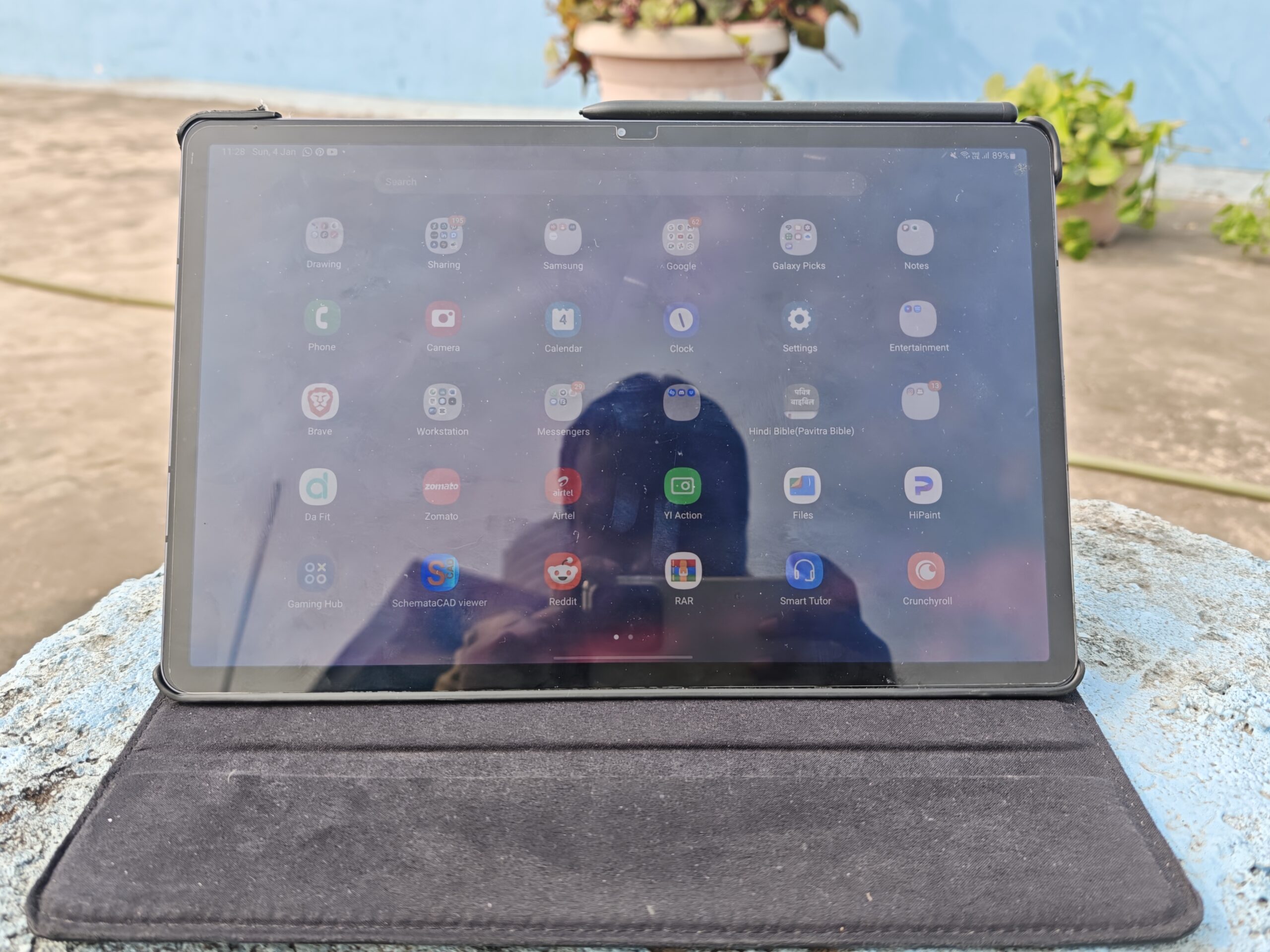
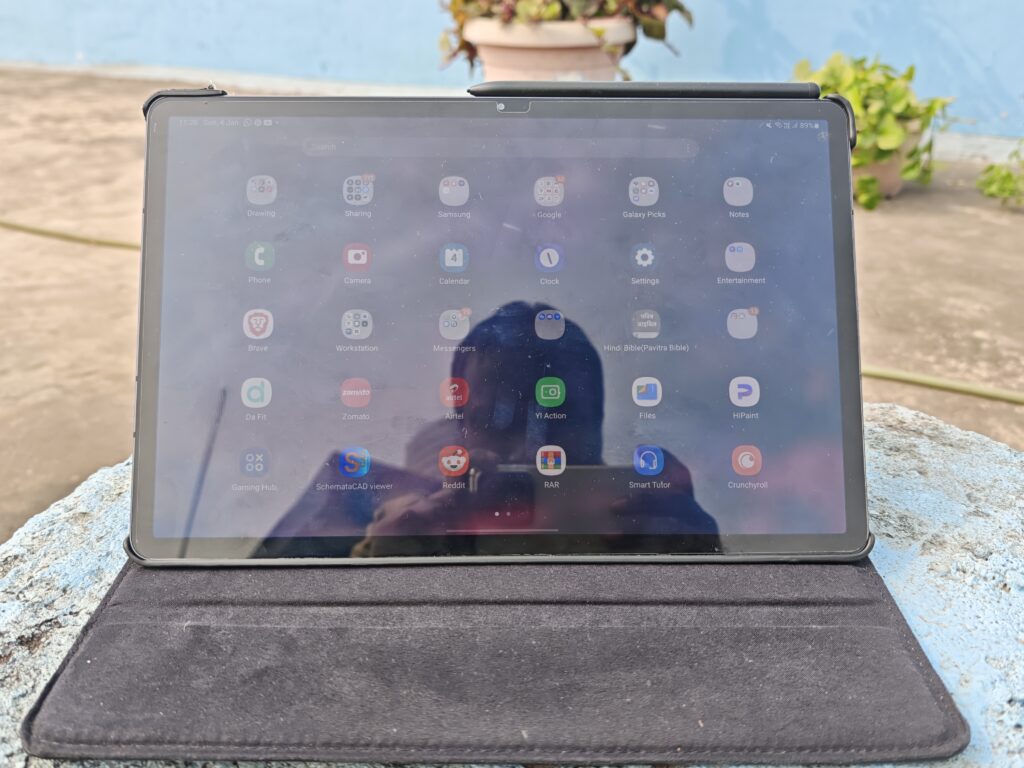
I’ve been using the Samsung Galaxy Tab S7 Plus since its release, and I’ve been meaning to write about my long-term experience with it for quite some time now.
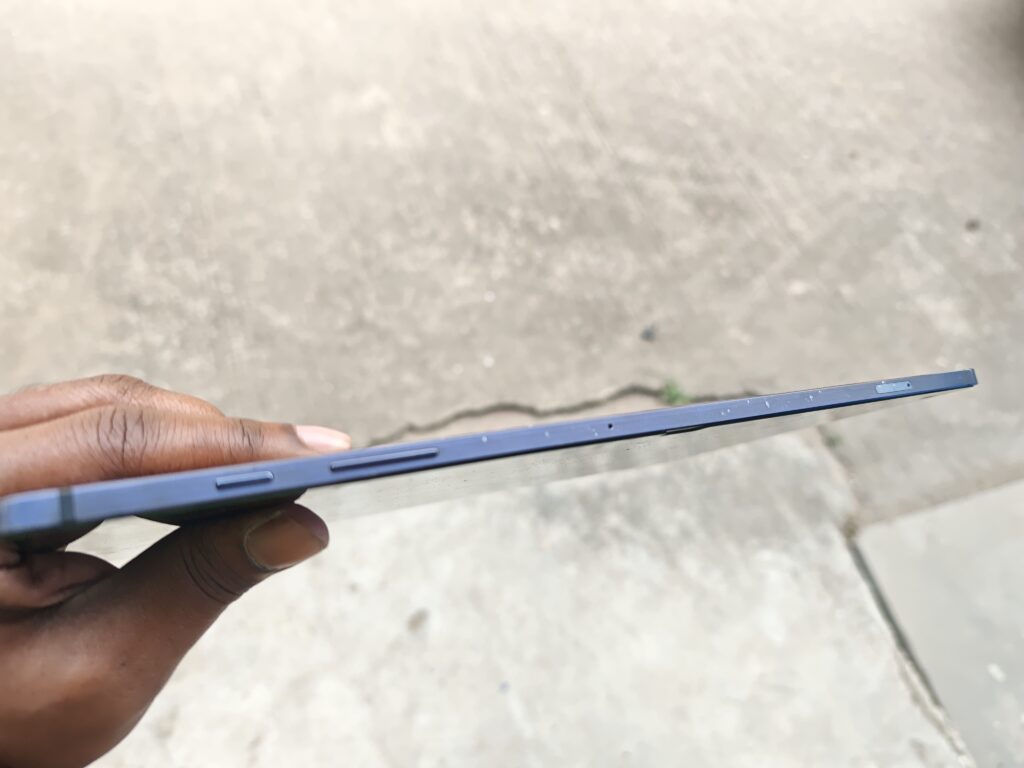
I am a teacher by profession, and I need a tablet for online classes, virtual meetings, and everyday entertainment. At the time, I was already using the Samsung Galaxy Note 10, which made me familiar with how practical and efficient Samsung’s S Pen ecosystem can be. That played a major role in my decision, as I wanted a tablet that could seamlessly handle teaching tasks while also serving as a versatile device for productivity and media.
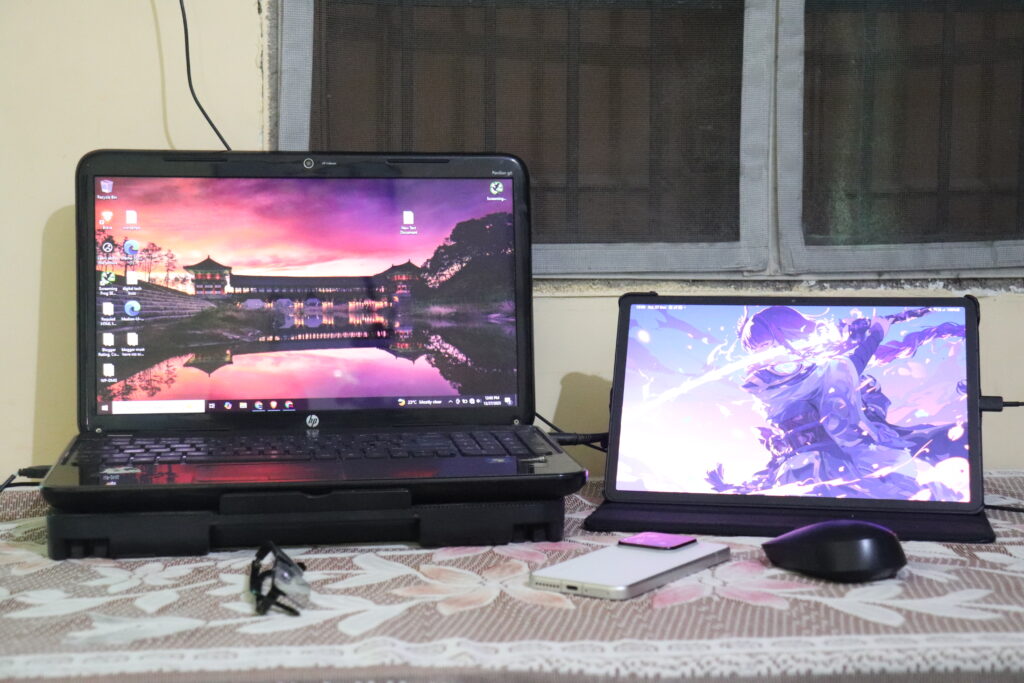
My first impression of the Samsung Galaxy Tab S7 Plus was its stunning, bright Super AMOLED display, which still stands out today. I do not prefer a notch screen, especially on tablets. The second thing I immediately noticed was its speed—it felt significantly faster and more responsive than my Galaxy Note 10. At the time, I wasn’t very familiar with mobile processors, but the performance difference was impossible to ignore.
The tablet is backed by a massive 10,000mAh Li-Po battery, which has proven to be highly reliable over the years. Even after four years of regular use, I continue to rely on the Galaxy Tab S7 Plus for online meetings, virtual coaching sessions, S Pen note-taking, and screen sharing during online classes. Its consistent performance and long battery life have made it a dependable daily companion for both work and learning.
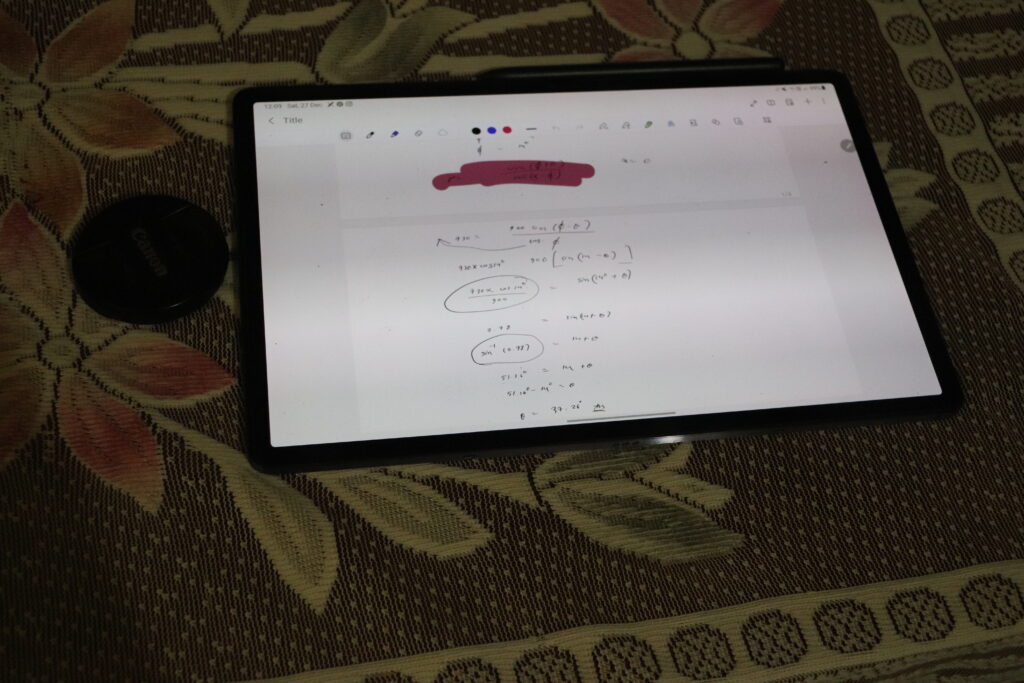
I don’t consider myself just a casual S Pen user. My journey with Samsung’s S Pen ecosystem began in 2013 with the Galaxy Note 3, where I first learned digital drawing. Over the years, I continued using the S Pen on the Galaxy Note 5 and later the Galaxy Note 10, making it an essential part of my daily workflow. Having used the S Pen consistently for more than a decade, I can confidently speak about its practicality and long-term reliability.
Unlike many competing brands whose styluses rely on internal batteries, the Samsung S Pen uses ElectroMagnetic Resonance (EMR) technology, making it completely battery-free. This design offers a strong sense of reliability and peace of mind, especially during long working hours, meetings, or online classes, where running out of charge is not an option.
The S Pen on the Galaxy Tab S7 Plus supports 4,000 levels of pressure sensitivity, which is more than sufficient for precise note-taking, smooth handwriting, and even detailed digital artwork. Whether you’re a teacher, student, or creative professional, the S Pen remains one of the most practical and dependable stylus solutions available for Android tablets.
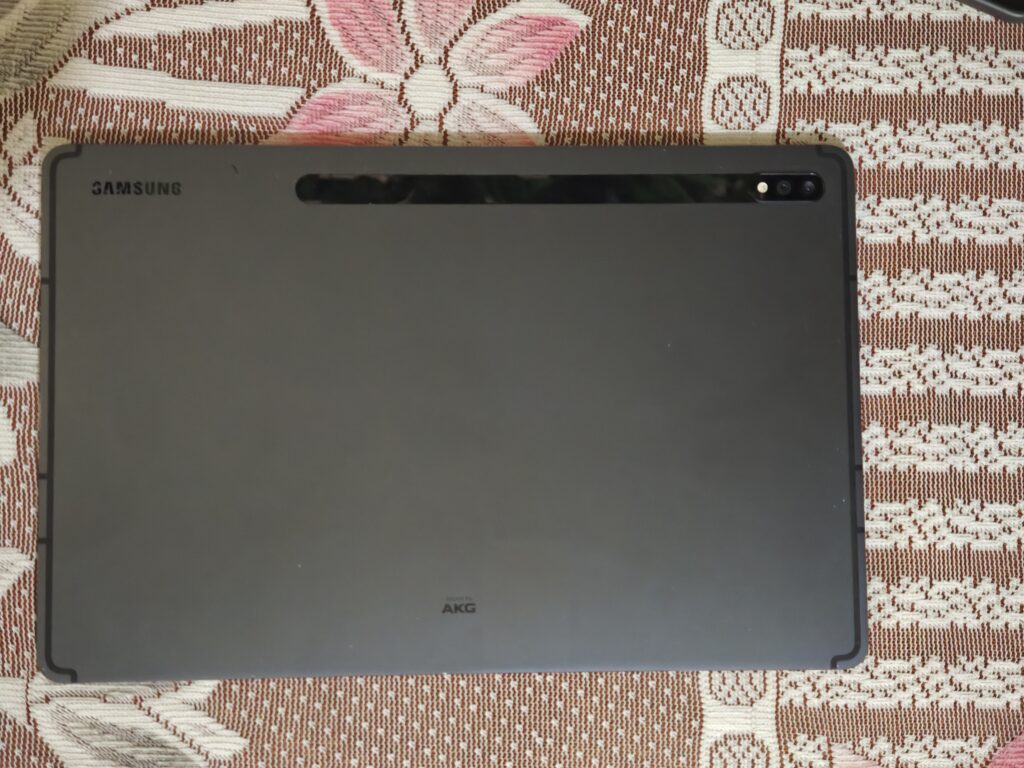
In terms of performance, the Samsung Galaxy Tab S7 Plus can run popular, demanding games at medium graphics settings. Thanks to its large form factor, heat management is relatively well controlled, and overheating is not a major concern. However, due to its size and weight, extended gaming sessions can feel uncomfortable over long periods.
I did not include a camera review in this post because over the past 4 years, I have never used a camera to take selfies or pictures; I have only used it to scan documents or in classes/meetings.
For multimedia consumption, the tablet truly shines. Watching YouTube videos and streaming content on OTT platforms is an excellent experience, complemented by their vibrant displays. The quad-speaker setup delivers rich, loud, and well-balanced audio, making it one of the best tablets in its class for entertainment and media consumption.
The Snapdragon 865 processor continues to perform reliably even today. I haven’t noticed any lag in daily applications, camera use, or overall system performance, and the OS remains smooth and responsive. The second major update delivered a better overall experience than the last.

I am a hobbyist artist—more accurately, a beginner-level sketcher—and I’d like to share one of my artworks as an example.
I will be publishing a new post soon in which I’ll share my recommendations for the best painting and drawing apps for Android tablets, based entirely on my hands-on experience. In that article, I’ll break down the apps I have personally used, what makes each one stand out, and the types of artists or beginners they are best suited for.
| Specification | Details |
|---|---|
| Dimensions | 285 x 185 x 5.7 mm |
| Build | Glass front, aluminium back, aluminium frame |
| Display Type | Super AMOLED, 120Hz, HDR10+ |
| Chipset | Qualcomm SM8250 Snapdragon 865 5G+ (7 nm+) |
| Main Camera | 13 MP, f/2.0, 26mm (wide), 1/3.4″, 1.0µm, AF 5 MP, f/2.2, 12mm (ultrawide), 1.12µm |
| Selfie Camera | 8 MP, f/2.0, 26mm (wide), 1/4.0″, 1.12µm |
| Battery | Li-Po 10090 mAh (45W wired) |
| Sensors | Fingerprint (under display, optical), accelerometer, gyro, proximity, compass |
| Ports | USB Type-C 3.2, magnetic connector |
After nearly four years of continuous use, the Samsung Galaxy Tab S7 Plus has proven to be a reliable, well-balanced, and long-lasting tablet. Its gorgeous Super AMOLED display remains one of its biggest strengths, delivering an excellent experience for online classes, note-taking, meetings, and media consumption. Performance powered by the Snapdragon 865 still holds up remarkably well, with smooth app usage, stable multitasking, and no noticeable lag in day-to-day tasks.
The S Pen continues to be a standout feature, especially for teachers, students, and creative users. Its battery-free EMR technology, combined with 4,000 levels of pressure sensitivity, makes it dependable for long working hours without the anxiety of charging. Audio quality from the quad-speaker setup is top-tier, and the large battery has aged gracefully, still supporting extended work and entertainment sessions.
While it may not be the ideal device for long gaming sessions due to its size, the latest software updates may not feel as refined as earlier ones; these are minor trade-offs in an otherwise solid package. Overall, the Samsung Galaxy Tab S7 Plus remains a dependable tablet for productivity and entertainment, even years after its launch, proving that a well-designed flagship device can truly stand the test of time.
To read more about – Xiaomi Redmi K20 Pro review